A better default for iPhone.
JOYA
The iPhone already captures what happened.
Joya captures
why it mattered.
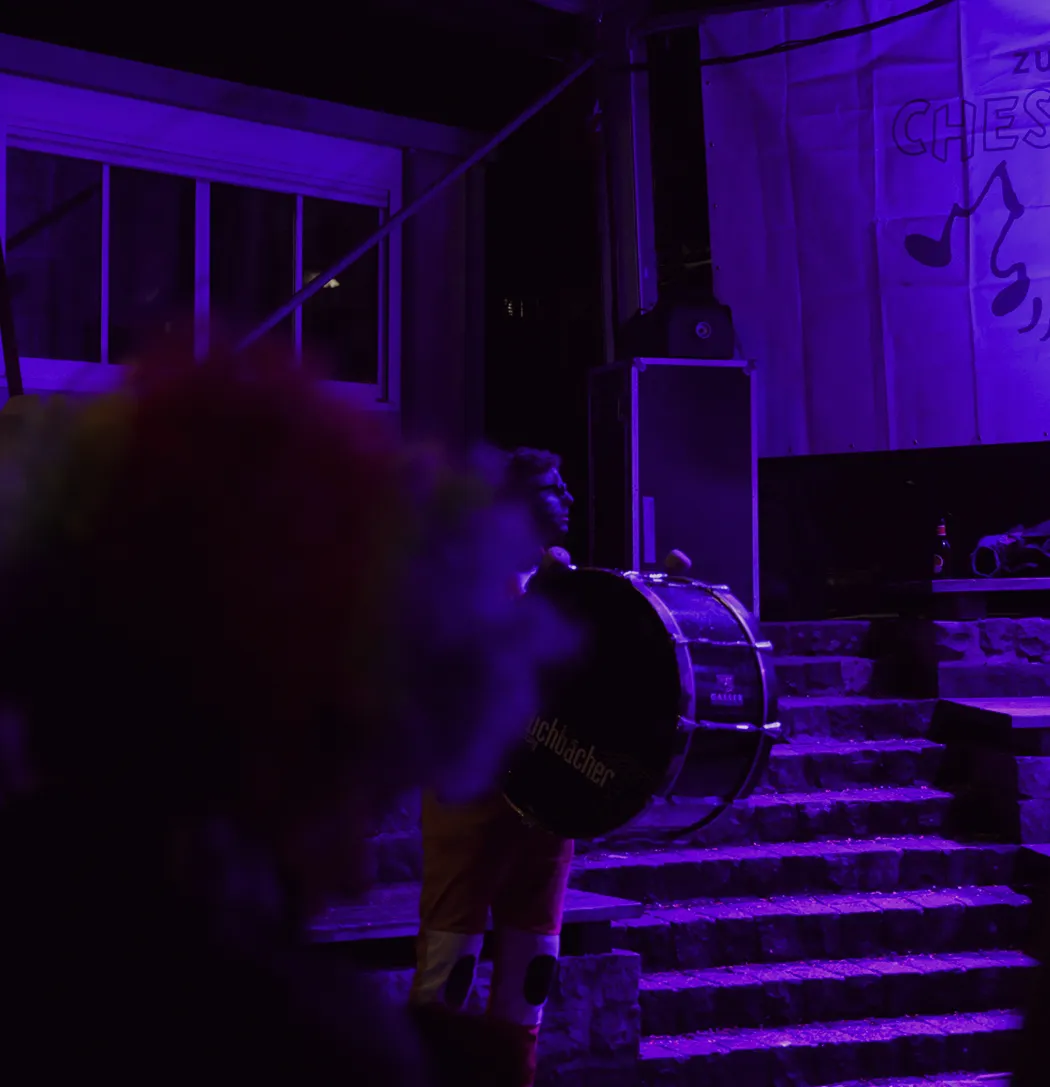
Pearla’s everyday camera
Un-phone your camera.
Your iPhone is already the camera you use most. Joya keeps that habit, but gives you photos and videos that feel more like the moments you meant to keep.
// WHY JOYA FEELS DIFFERENT
The difference starts in the capture.
Joya is not a filter app. It does not cover the default iPhone look after the camera has already made its choices. Your photos and videos are shaped in Joya at capture. They are not iPhone images with a look added later.
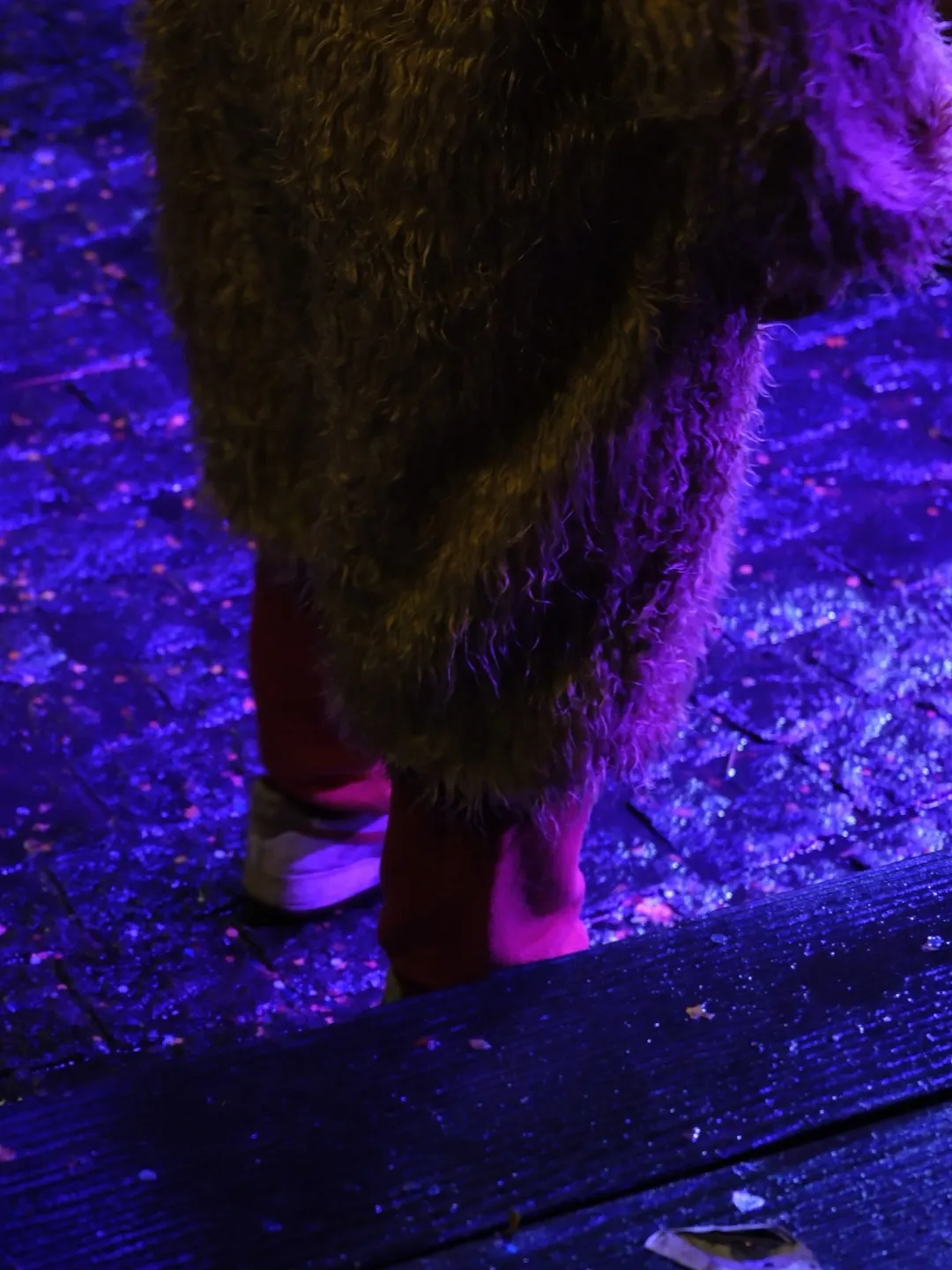
- 01 Authentic Film Emulation Verana’s latest film emulation engine comes to Joya, with authentic real-time grain, halation, and the same film profiles used in Pearla’s flagship camera.
- 02 Cinematic ≠ Fake Blur The default camera turns cinema into a blur effect. Joya is built for the whole frame: the light, the room, the faces, the movement, and the things around them. Not a simulated blur behind the subject.
- 03 Calibrated Before the Look Joya uses RealHUE™ underneath its profiles, giving photos and videos a steadier color base before the final look is shaped.
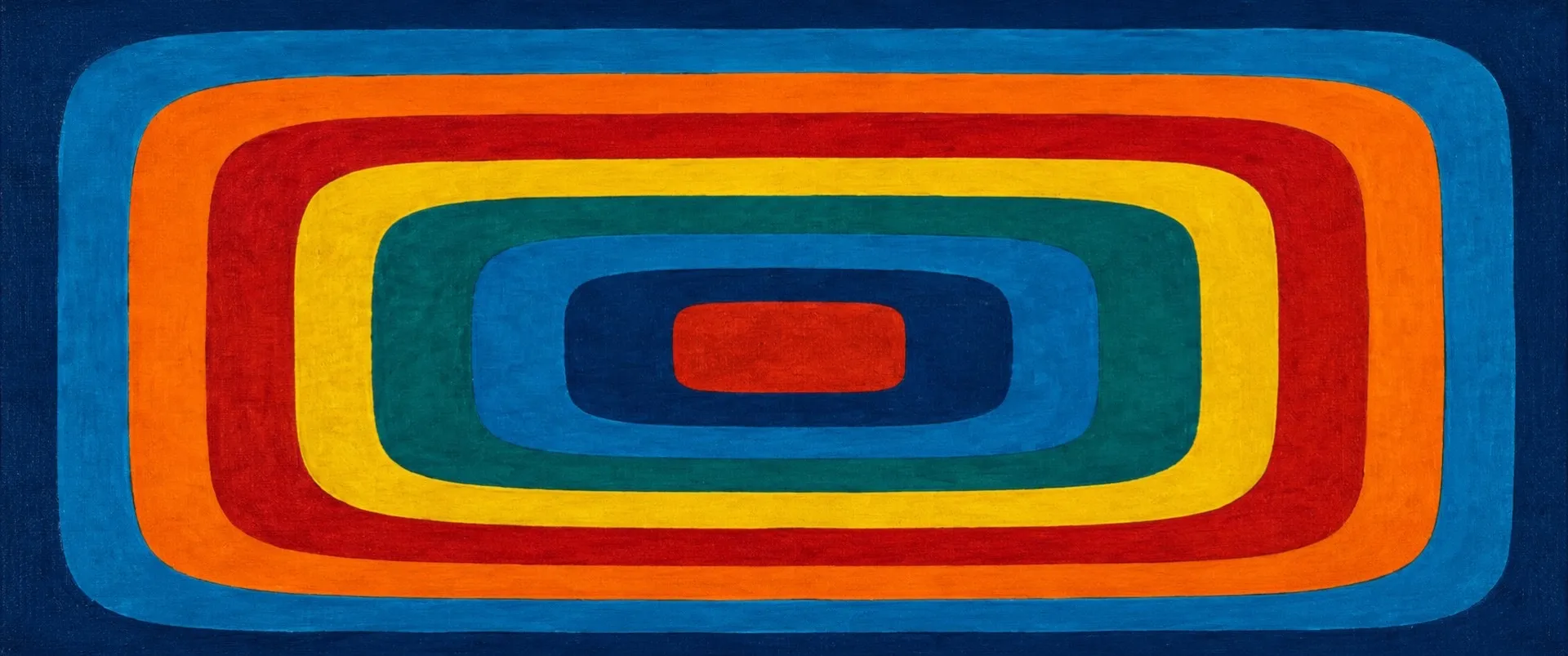
- 04 The Full Frame The default camera crops video before you start. Joya can shoot video from the full 4:3 iPhone sensor area, so the frame has more room before it becomes vertical, widescreen, square, or something in between.
- 05 Your Look, Ready to Shoot Save your own profiles in Joya, or import profiles made in Pearla Revela. Once a look is in the camera, it is ready whenever you shoot.
- 06 As Effortless as the Default Camera Use it like the default camera: open, frame, shoot. The difference is what Joya gives back.
// AUTHENTIC FILM EMULATION
Film character, built into the shot.
The film profiles in Joya are not pasted over the image after the fact. They run through Verana’s latest film emulation engine at capture, so grain, halation, and profile character are already part of the photo or video when it is saved.
// CINEMATIC ≠ FAKE BLUR
Cinema is more than background blur.
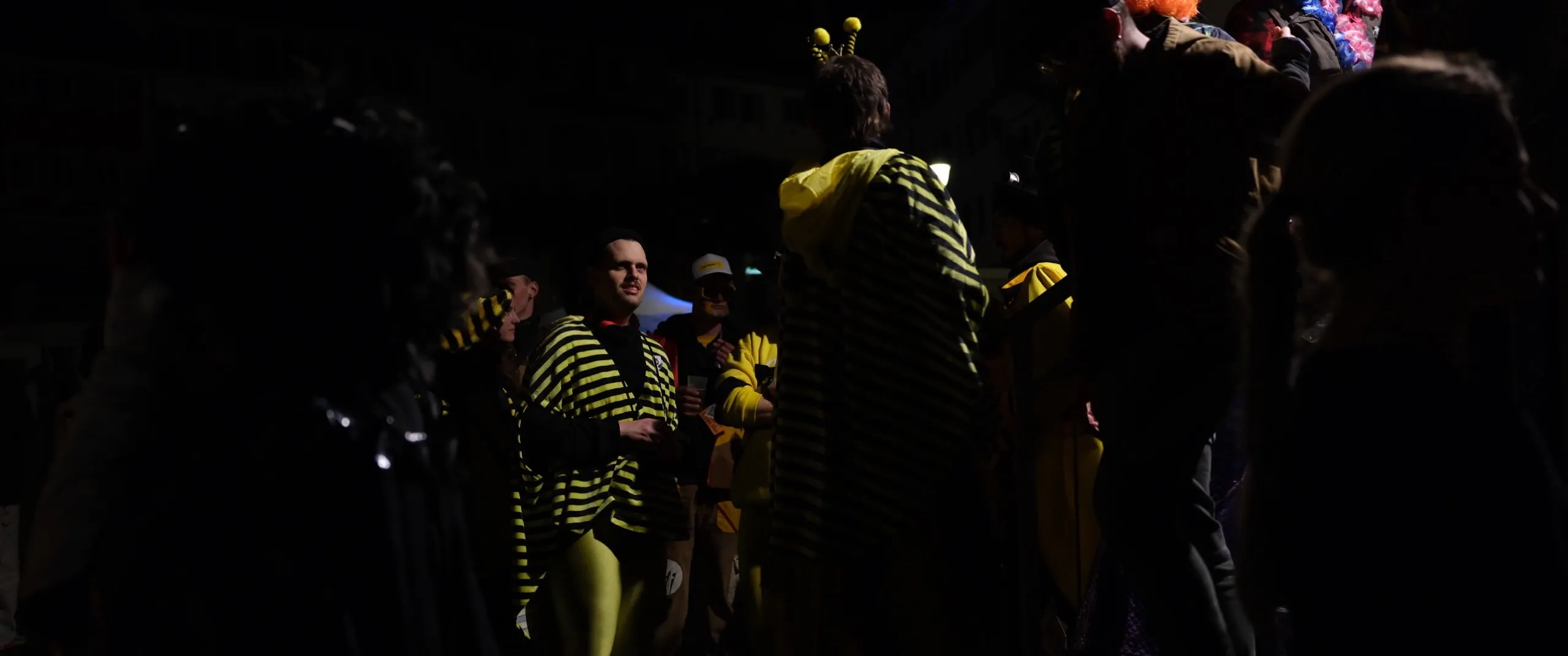
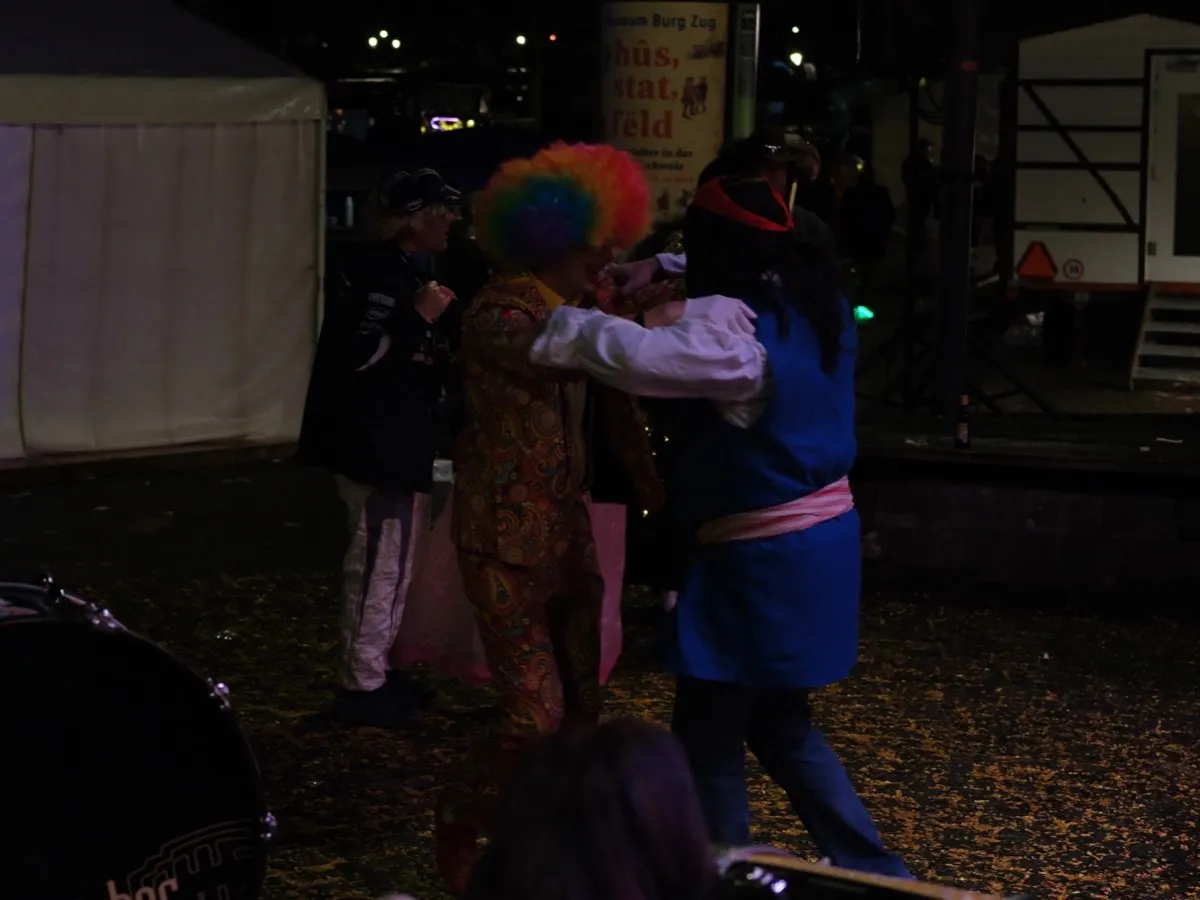
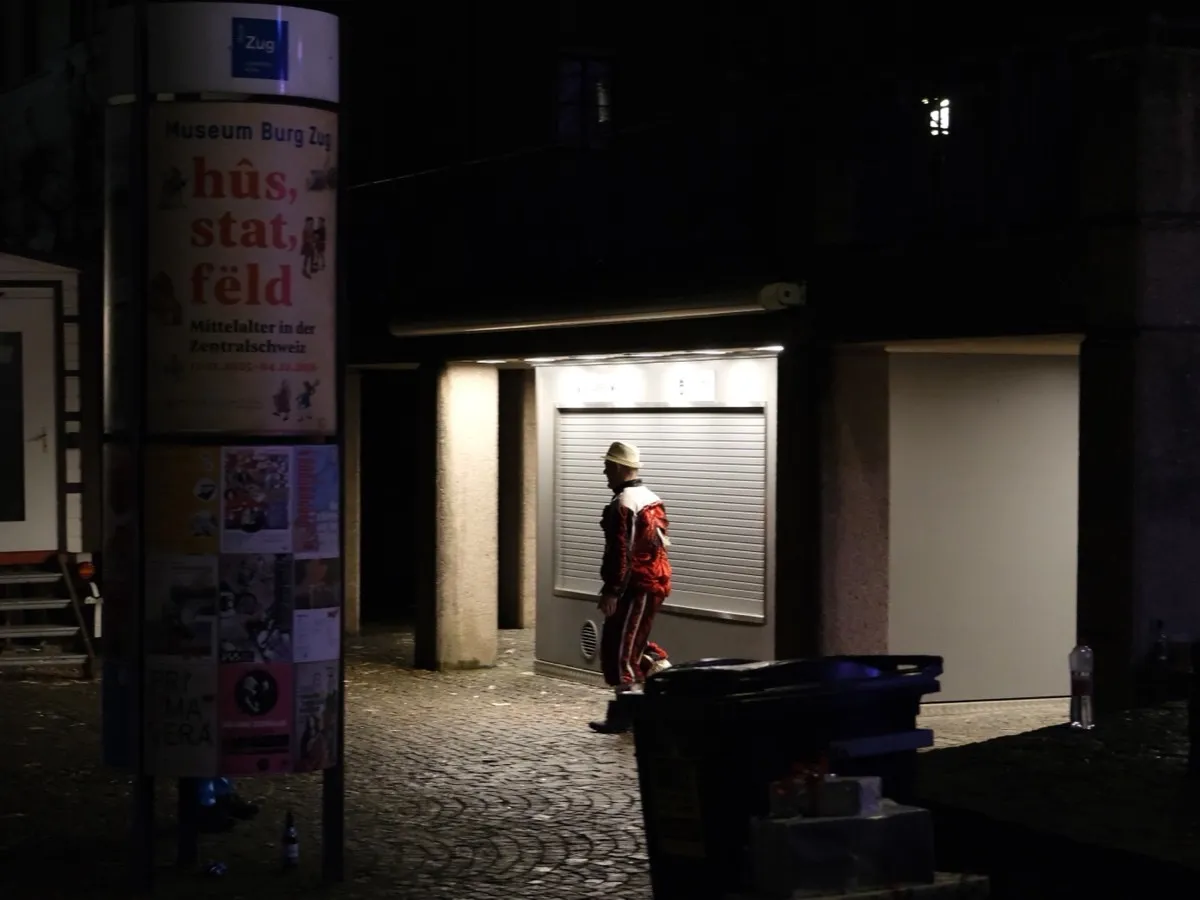
Cinema is context. The person in the frame, the light around them, the room they are in, the movement that made the shot happen. Joya is built for the whole frame, not just a subject lifted from the background. It gives the whole frame film character at capture.
-
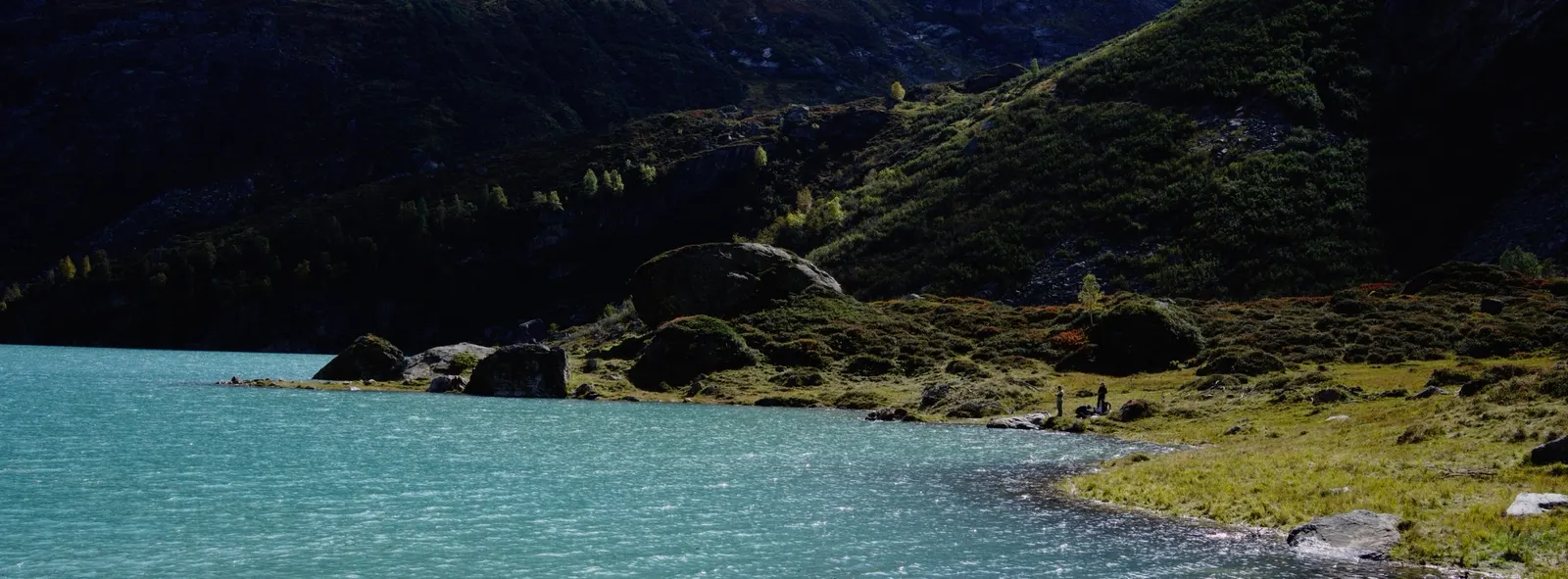 01 / 14 Standard
 -
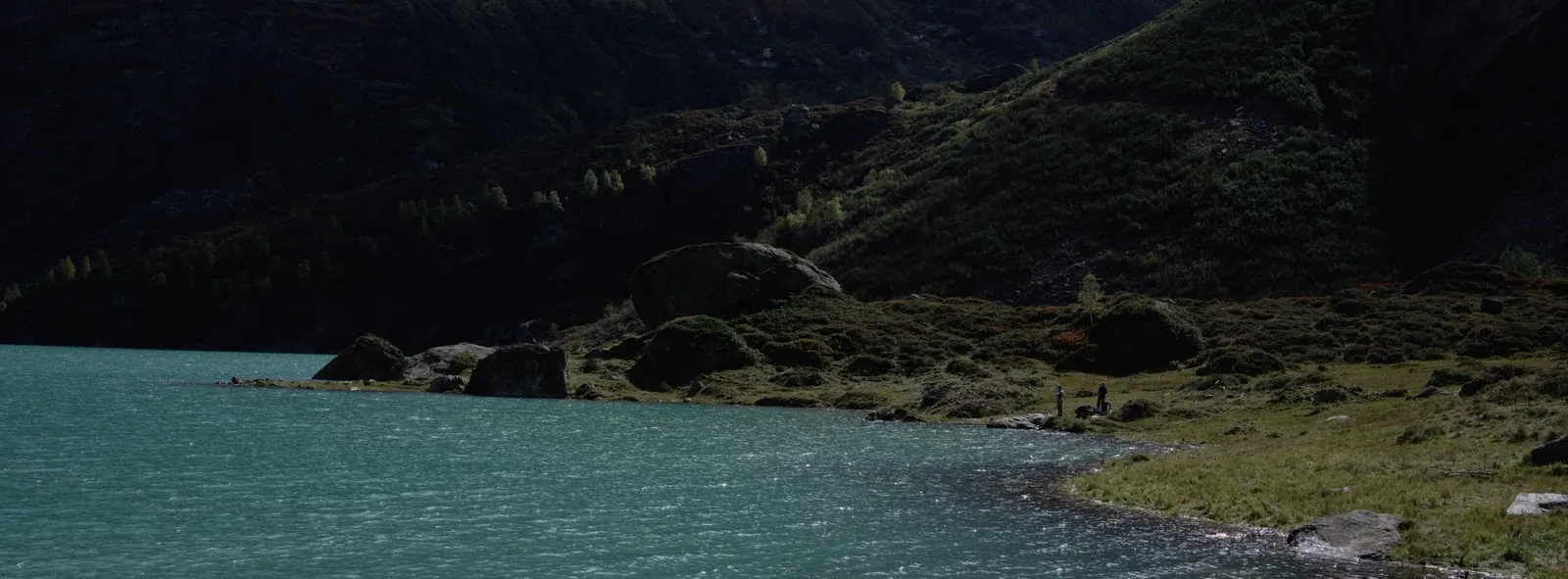 02 / 14 Standard-L
 -
 03 / 14 Chroma Solaris
 -
 04 / 14 Achromia
 -
 05 / 14 LDN 1992
 -
 06 / 14 Visage
 -
 07 / 14 Visage Umbra
 -
 08 / 14 Afthonos
 -
 09 / 14 Classic Neg
 -
 10 / 14 Classic Chrome
 -
 11 / 14 Niveus
 -
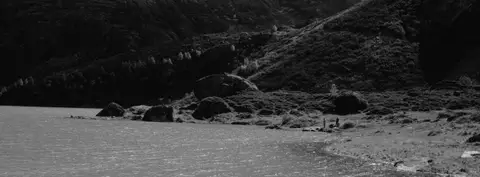 12 / 14 Solara
 -
 13 / 14 Solara Urbanis
 -
 14 / 14 Solara Visage
// CALIBRATED BEFORE THE LOOK
The color starts underneath.
RealHUE™ is not a filter or a style. It is the calibrated color base beneath Joya’s profiles, shared with Pearla Verana. Before the look is applied, Joya steadies the image underneath it, so photos and videos do not begin from the default iPhone finish.
// THE FULL FRAME
More room before you decide.
The default camera starts video inside a crop. Joya can record the full 4:3 iPhone sensor area, giving you more of the scene before the frame becomes vertical, widescreen, square, or something in between. Shoot first. Choose the final shape later.
// More to play with
Creator’s Tools.
- Teleprompter Your script sits right by the lens and follows your voice, so talking to camera finally feels like talking.
- Intervalometer Set up a little capture program (shoot, wait, repeat) and come back to the whole run saved as one tidy item in your library.
- Burst shooting Hold on to the exact split second: raw bursts at up to 40 frames per second on the newest iPhones.
- Film Recipes Ready-made film looks shot straight into your photos and videos, with real texture rendered as you capture, not a filter dropped on top.
// AS EFFORTLESS AS THE DEFAULT CAMERA
Open. Frame. Shoot.
Joya does not ask you to learn a new way to take photos. Use it the way you already use your iPhone camera: open the camera when something matters, frame it, and shoot. The difference is in the image you get back.
// GET JOYA
Now in beta.
Joya launches in August. Request access to the Joya beta right now, inside the Pearla III app.
Beta invites go out in phases, and each phase is capped.
// ALSO FROM PEARLA