The iPhone, without the phone look.
Pearla’s flagship camera
VERANA IV
Whether you shoot log, raw, film emulation, or custom profiles, Verana starts from the same device-calibrated foundation. Color is stabilized before the image is shaped, so the result holds through grading, finishing, or delivery.
// PearlaRAW™ Stills NEW IN IV
14-bit. First time on iPhone.
PearlaRAW™ is Verana IV’s own raw format, and it brings 14-bit raw captures to the iPhone for the first time. Apple’s ProRaw is a 10-bit format, and third-party apps top out at 12-bit DNG.
| Capability | PearlaRAW™ | PRORAW · DNG |
|---|---|---|
| Bit depth | 14-bit · 12-bit option | 10-bit ProRaw · 12-bit DNG |
| iPhone | Every supported model | Every supported model |
// PearlaRAW™ Video NEW IN IV
Raw, without the rig.
PearlaRAW™ records 14-bit raw video, internally, on any iPhone that runs Verana, from iPhone 12 on1. No external drive, no cage, no cables. The shot stays open for heavy grades, recovery, and finishing decisions you haven’t made yet.
Apple’s ProRes RAW is 12-bit, requires an external SSD, and runs on two iPhone models. PearlaRAW™ goes external too when the workflow prefers it, still at 14-bit.
1 Internal raw recording requires at least 256 GB of available space. External recording requires an iPhone model with USB-C.
| Capability | PearlaRAW™ | PRORES RAW |
|---|---|---|
| Raw video | 14-bit · 12-bit · 10-bit | 12-bit |
| Recording | Internal or external | External SSD only |
| iPhone | iPhone 12 and later | 17 Pro · 17 Pro Max |
| Recording app | Verana IV | Verana IV · Final Cut Camera · Blackmagic Camera |
// Raw Editor NEW IN IV
Shoot Raw. Grade in Verana.
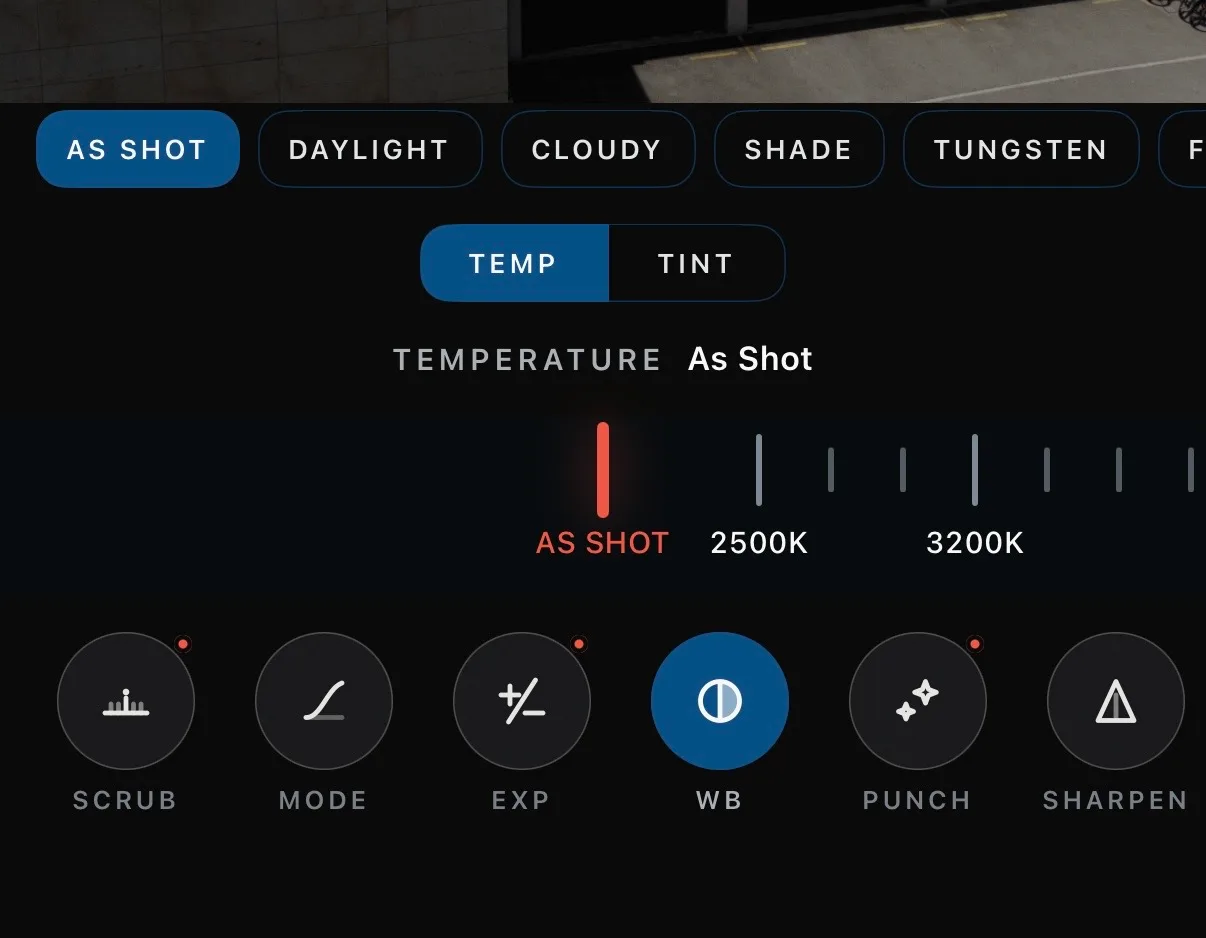
Verana includes a lightweight version of Revela’s raw editor. Open a PearlaRAW™ photo or video, adjust the exposure, the white balance, and the look, and export a finished image or video without leaving the app. For the full treatment, PearlaRAW™ opens in Pearla Revela on iOS, iPadOS, and macOS.
// Burst Mode NEW IN IV
Faster than the moment.
Burst captures raw at up to 40 fps1, and Pre-Capture buffers frames before the shutter fires, so the instant you were late for is already in the roll. No other iPhone app shoots raw bursts at all, and 40 fps is the territory of flagship sports cameras.
1 Up to 40 fps at 10-bit, up to 25 fps at 12-bit, with 14-bit available at lower rates. Maximum rates are device-dependent.
// Shutter Priority NEW IN IV
The ‘S’ on the dial.
Every real camera has it. Freeze the action or lock 180 degrees of shutter angle to maintain cinematic motion blur while the light does whatever it wants. Verana holds the shutter you chose and rebalances ISO and exposure in real time, shot after shot.
// RealHUE 2™ NEW IN IV
Not a look. The reason looks hold.
RealHUE™ does not add contrast, saturation, or a house style. It stabilizes the color entering Verana’s pipeline, so every creative choice above it has a cleaner place to sit. RealHUE 2™ adds on-device fine-tuning.
// Pearla Wide Gamut™ NEW IN IV
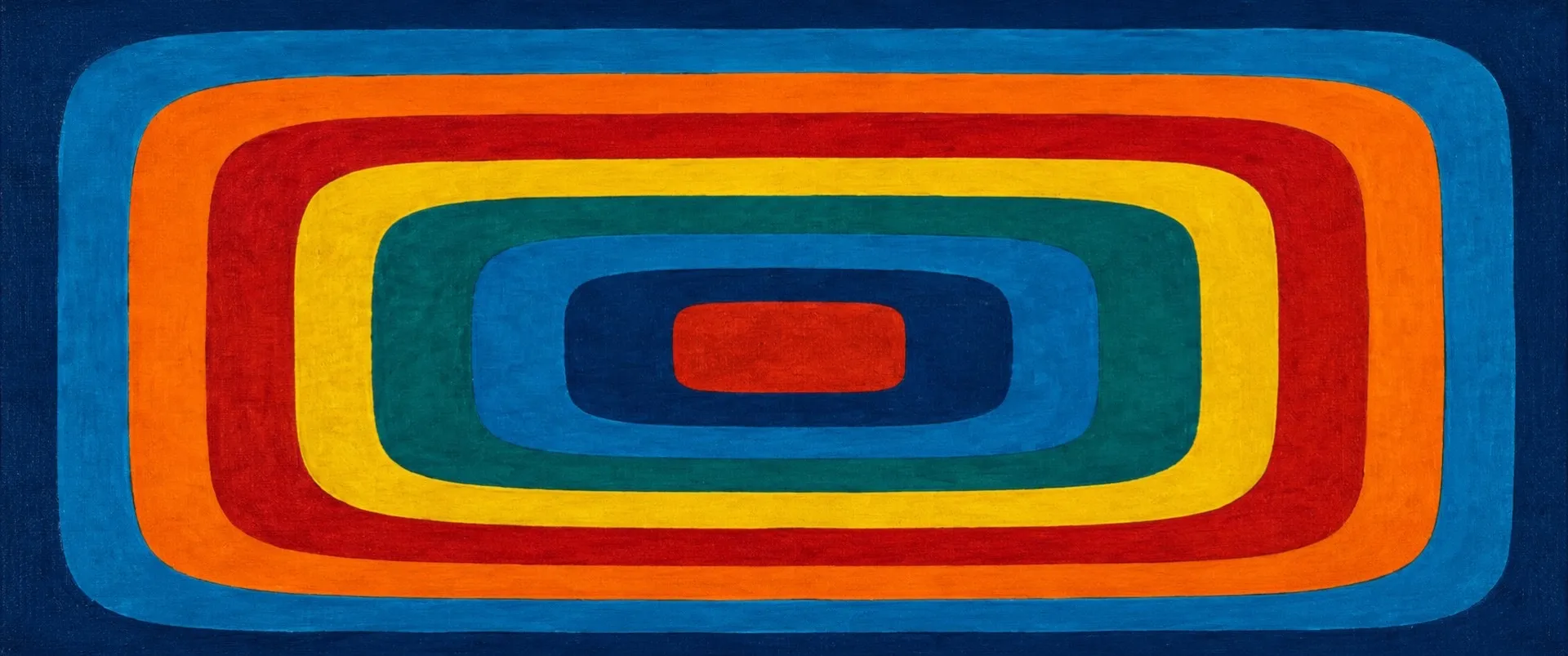
The working space behind the image.
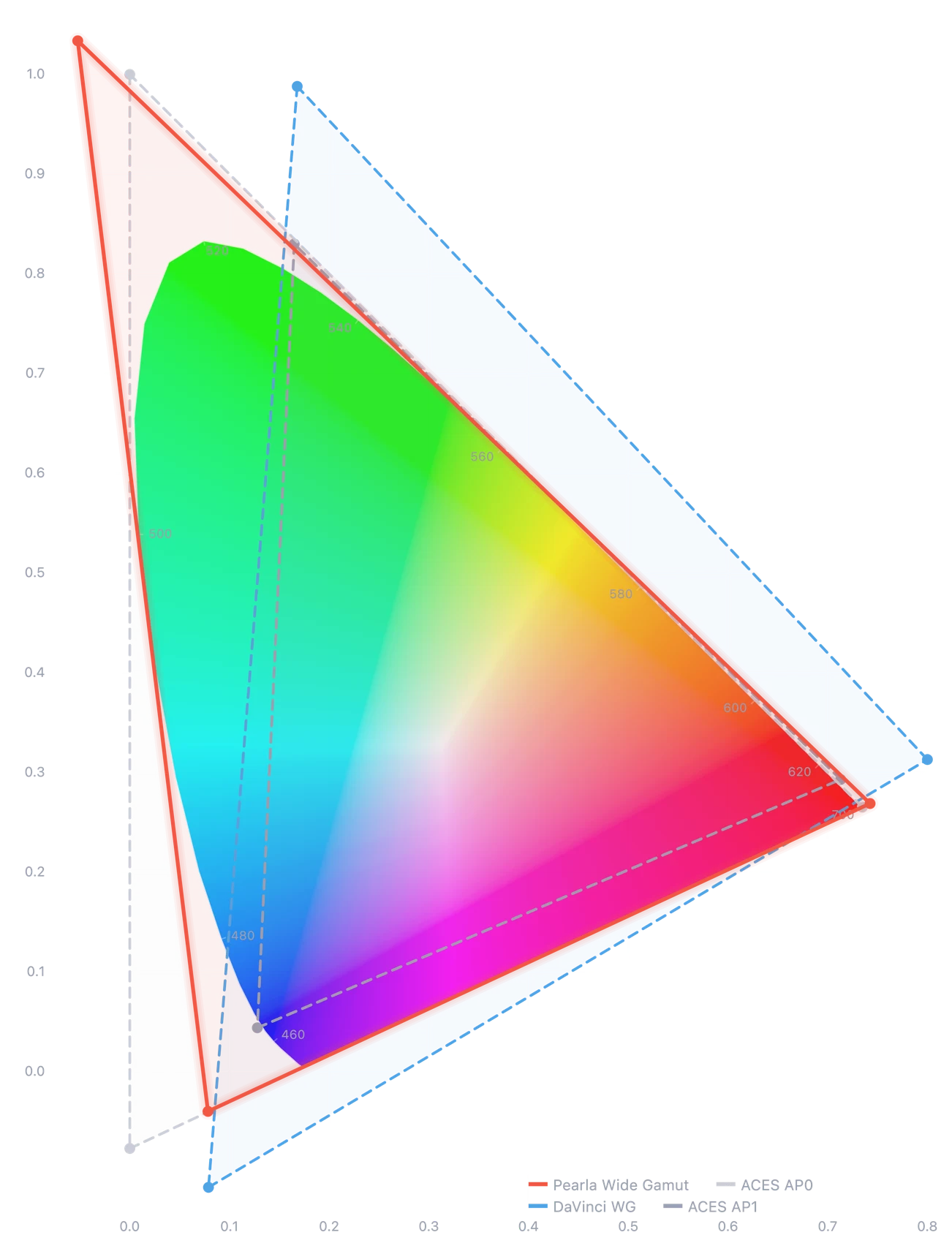
After RealHUE™ calibration, Verana shapes color inside a wide-gamut working space. Log, film emulation, HDR, and custom profiles have more room before the image is encoded, exported, or graded.
// Pearl-Log™
Not Apple Log. Not a filter.
Pearl-Log™ is Verana’s own log curve, not Apple Log and not a low-contrast look placed over the image. It records real log video across every iPhone Verana supports, including non-Pro models and Pro models before iPhone 15 Pro. It also works for stills, with LUTs available for monitoring or capture when you want the finished look baked in. Verana imports LUTs in .cube, .3dl, and Hald formats.
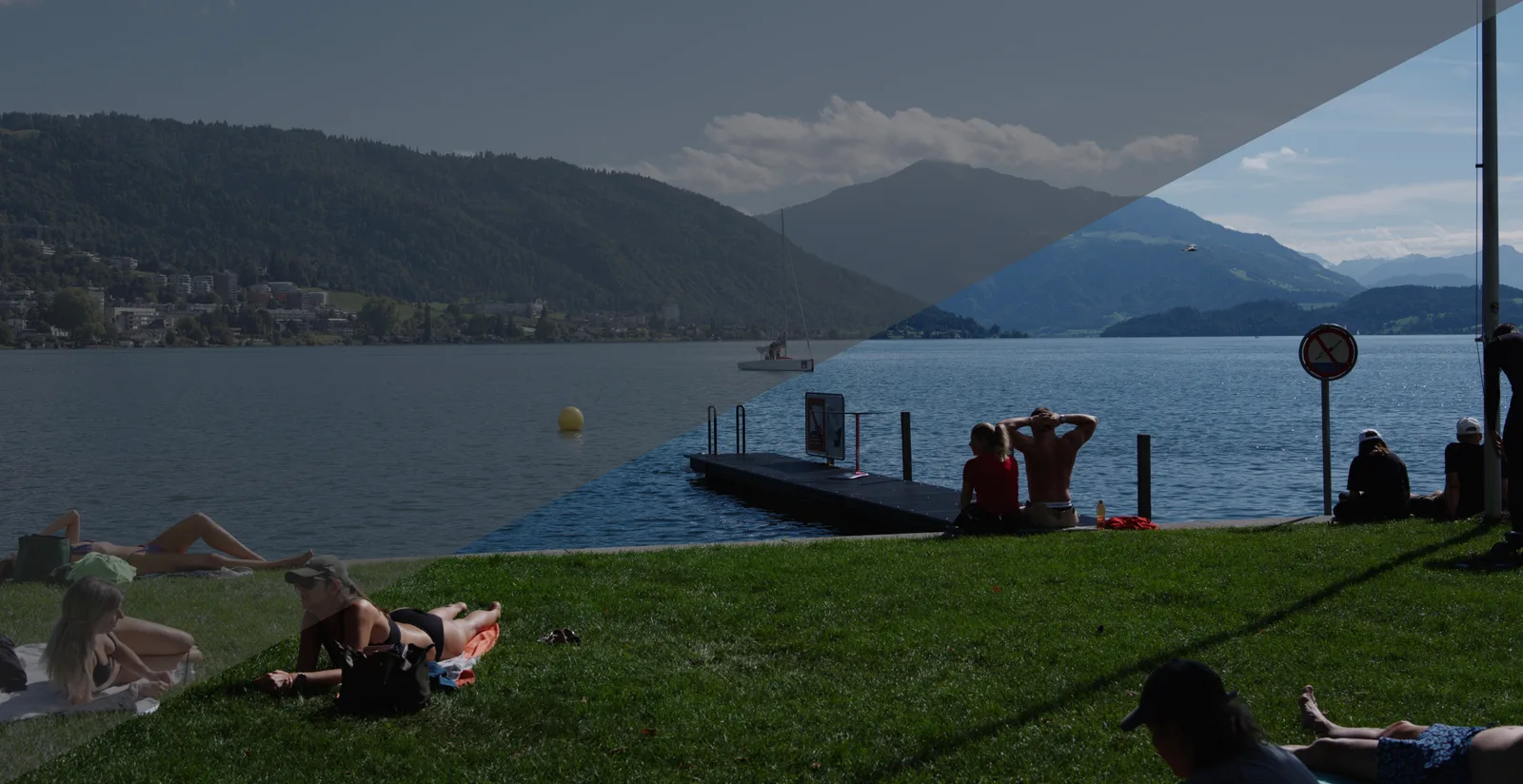
// Real-time CSTs
Your iPhone, in the same color conversation.
Apply the log language you already grade against at capture. Verana maps Pearl-Log™ into supported industry profiles before the footage reaches the timeline, so the iPhone no longer arrives as the odd file in the edit.
- 01Pearl-Log 2 NEW IN IVPearla · Pearla Wide Gamut
- 02Apple Log NEW IN IVApple · BT.2020
- 03Apple Log 2 NEW IN IVApple · Apple Wide Gamut
- 04LogC3ARRI · ARRI Wide Gamut 3
- 05BMD Film Gen 5Blackmagic Design · BMD Wide Gamut Gen 4/5
- 06C-Log NEW IN IVCanon · Cinema Gamut
- 07C-Log2 NEW IN IVCanon · Cinema Gamut
- 08C-Log3Canon · Cinema Gamut
- 09D-LogDJI · D-Gamut
- 10F-LogFujifilm · F-Log Gamut
- 11F-Log2Fujifilm · F-Log Gamut
- 12I-Log NEW IN IVInsta360 · BT.2020
- 13L-Log NEW IN IVLeica · BT.2020
- 14N-LogNikon · BT.2020
- 15V-LogPanasonic · V-Gamut
- 16S-Log2Sony · S-Gamut
- 17S-Log3Sony · S-Gamut3.Cine
// Film Emulation
The film feel is below the surface.
Verana IV’s rebuilt film engine changes the image before the texture announces itself. It reconstructs the shot with luminance-aware grain, halation that avoids the heavy-handed orange glow, and shifts in tone, density, and color response that become part of the image rather than a costume placed over it.
-
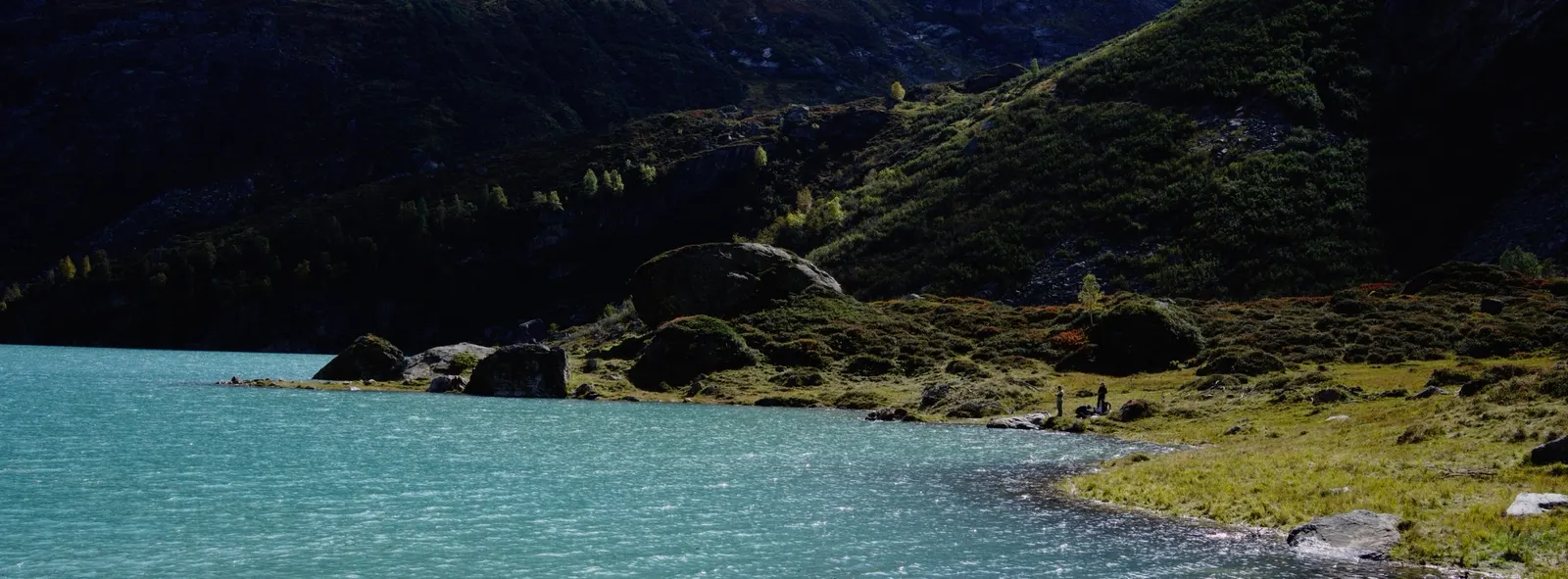 01 / 14 Standard
 -
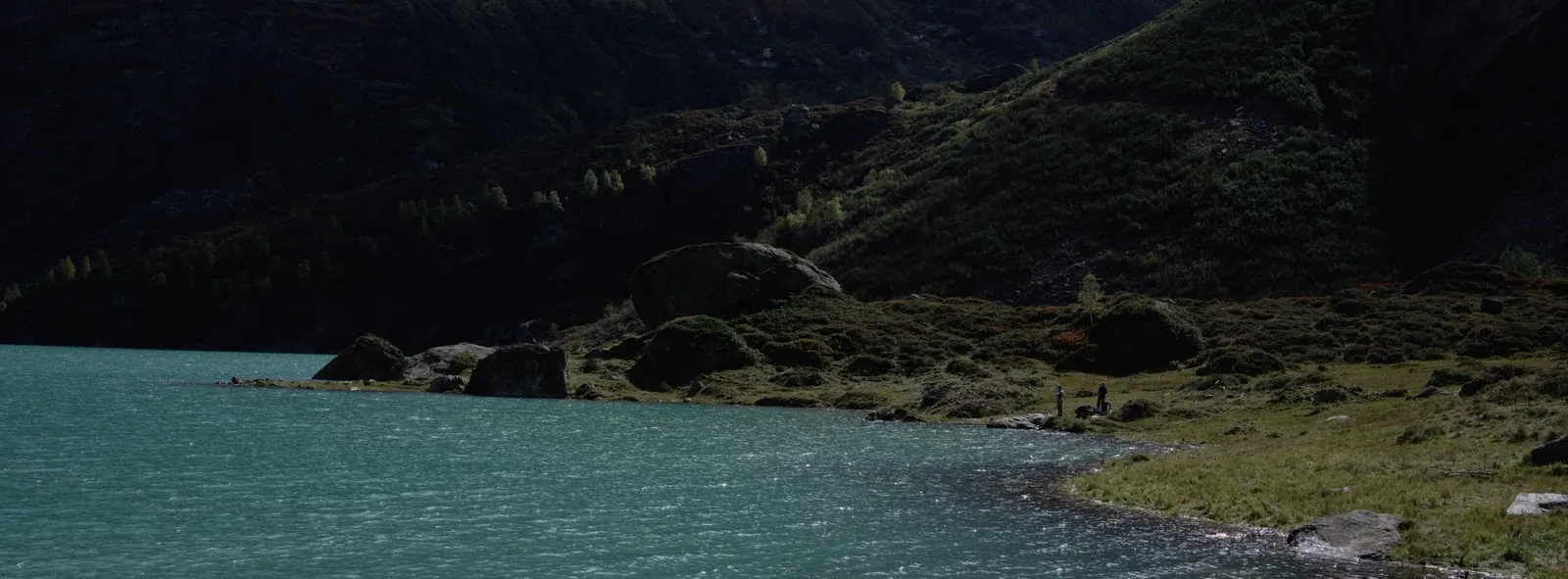 02 / 14 Standard-L
 -
 03 / 14 Chroma Solaris
 -
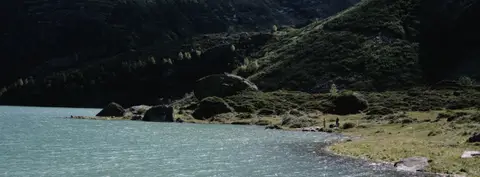 04 / 14 Achromia
 -
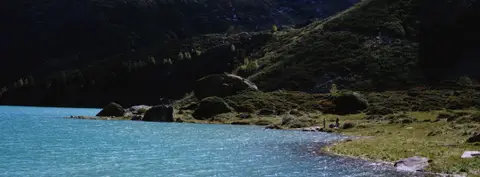 05 / 14 LDN 1992
 -
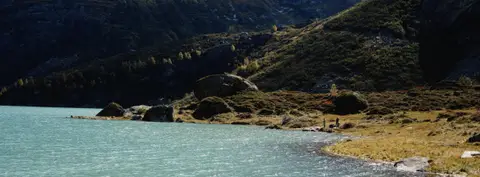 06 / 14 Visage
 -
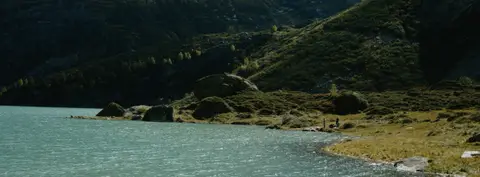 07 / 14 Visage Umbra
 -
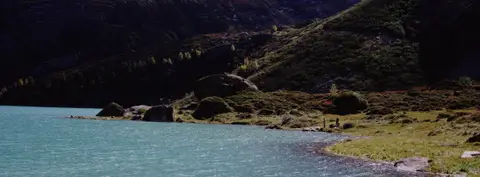 08 / 14 Afthonos
 -
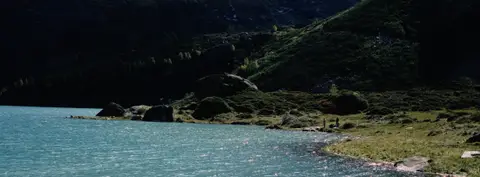 09 / 14 Classic Neg
 -
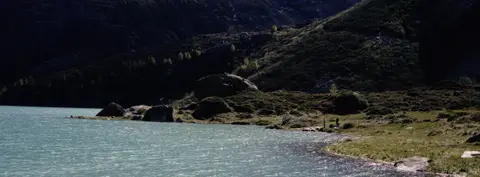 10 / 14 Classic Chrome
 -
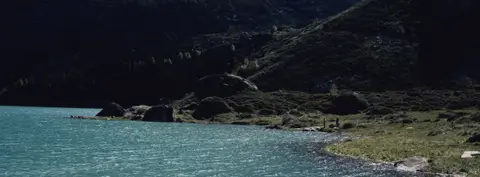 11 / 14 Niveus
 -
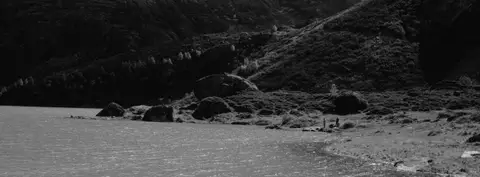 12 / 14 Solara
 -
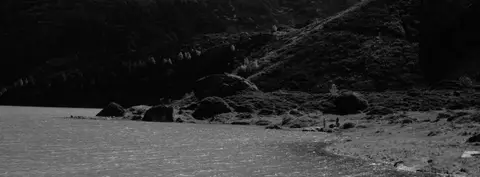 13 / 14 Solara Urbanis
 -
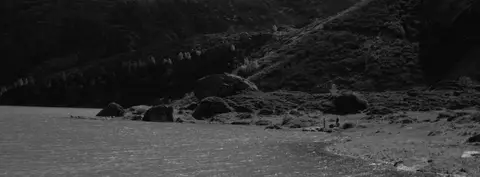 14 / 14 Solara Visage
// Film Texture
Rendered through, not laid over.
Verana’s film emulation engine is not a filter. Grain and halation respond to exposure the way film stock does, and the whole image is rendered through it, not decorated by it. What used to be an expensive desktop finishing step runs live at capture, up to 4K at 60 fps.
// Custom Profiles
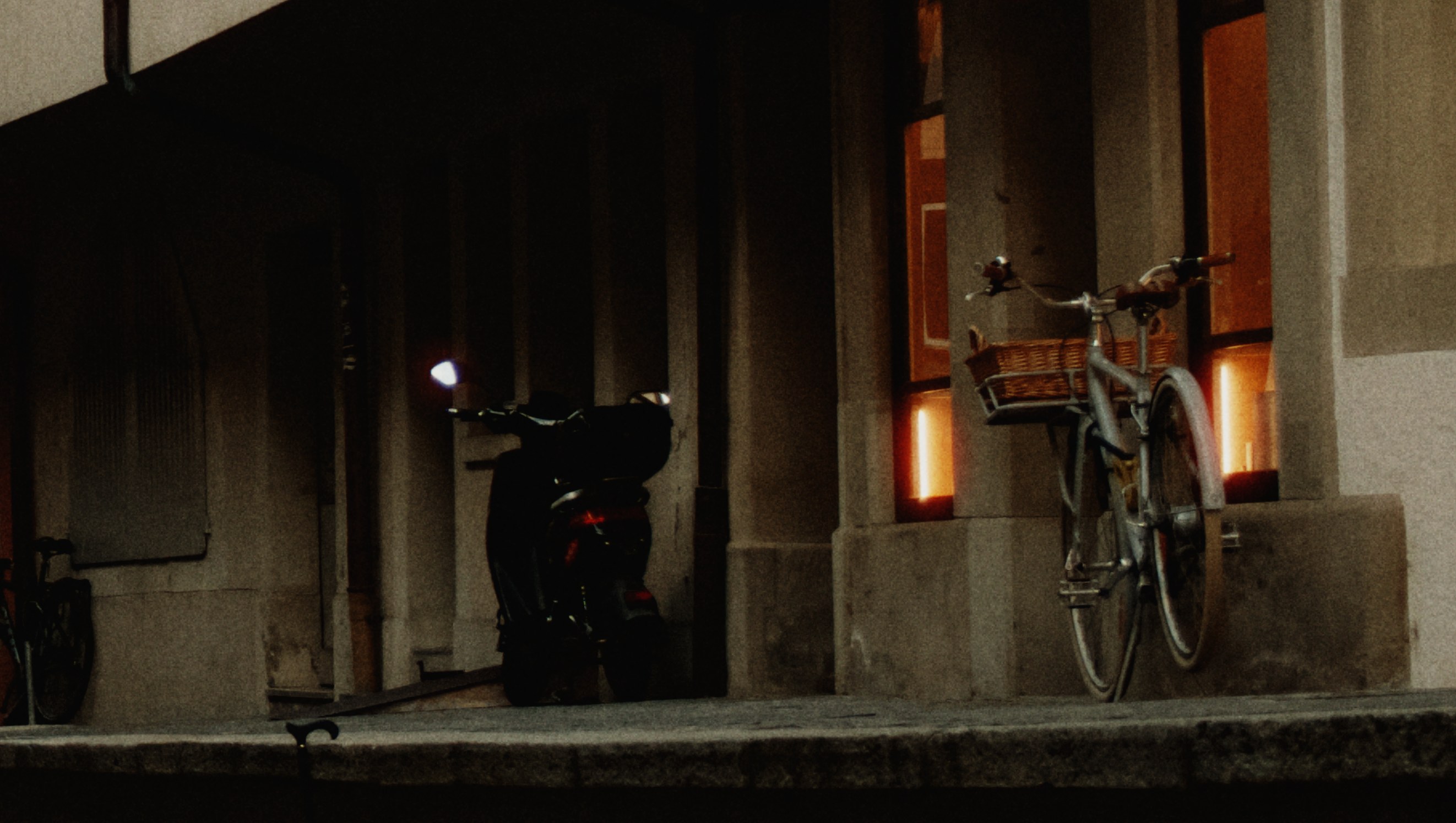
Bring the grade. Keep it open.
A Revela profile brings the whole treatment into Verana, live at capture: the grade, the texture, the color space, and the way the look responds. The trip runs both ways. A look recorded in Verana stays editable in Revela, and raw captures can be finished in Verana’s built-in raw editor, a compact version of Revela’s, then exported as log or fully graded deliverables.
// HDR NEW IN IV
Brighter, not louder.
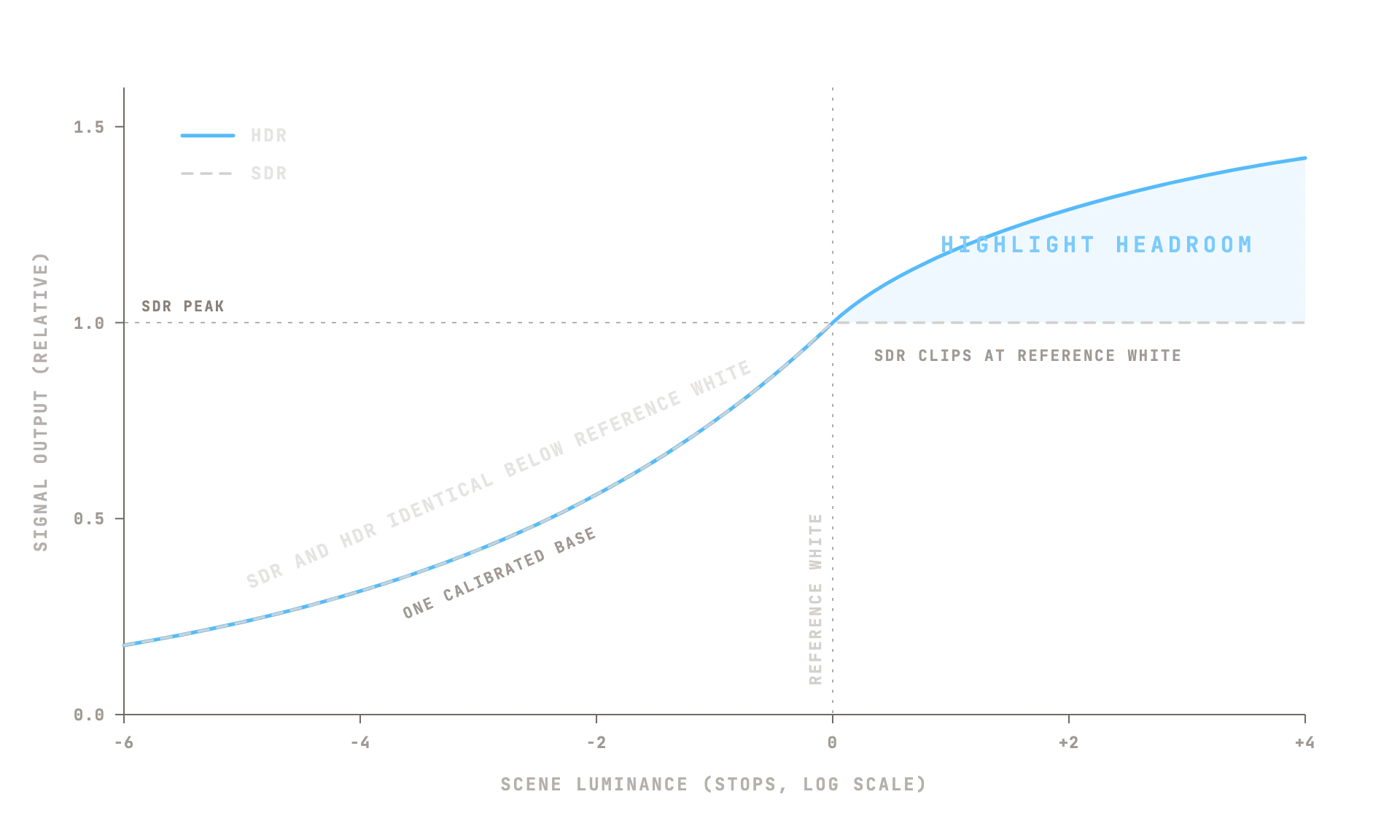
Deliver video in Rec.709, HLG BT.2020, or log. Deliver stills in sRGB, Display P3, or HLG with adaptive HDR. Every path leaves the same place: one RealHUE™-calibrated image in the Pearla Wide Gamut working space, mapped to the delivery target instead of reprocessed for it. HDR here is headroom, not a second look.
// Subject Isolation NEW IN IV
No external mic needed.
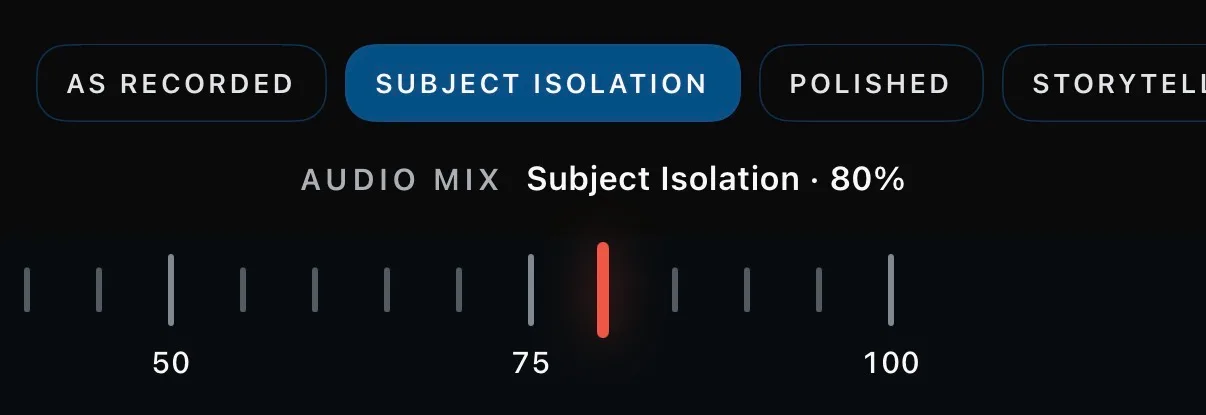
For many shoots, Verana IV’s real-time audio mixing replaces the external microphone. Dialogue lifts clear of the scene at capture, on the iPhone’s own mics. It is non-destructive, so you can always adjust to your liking or pull the original audio.
// Teleprompter NEW IN IV
The script follows you.
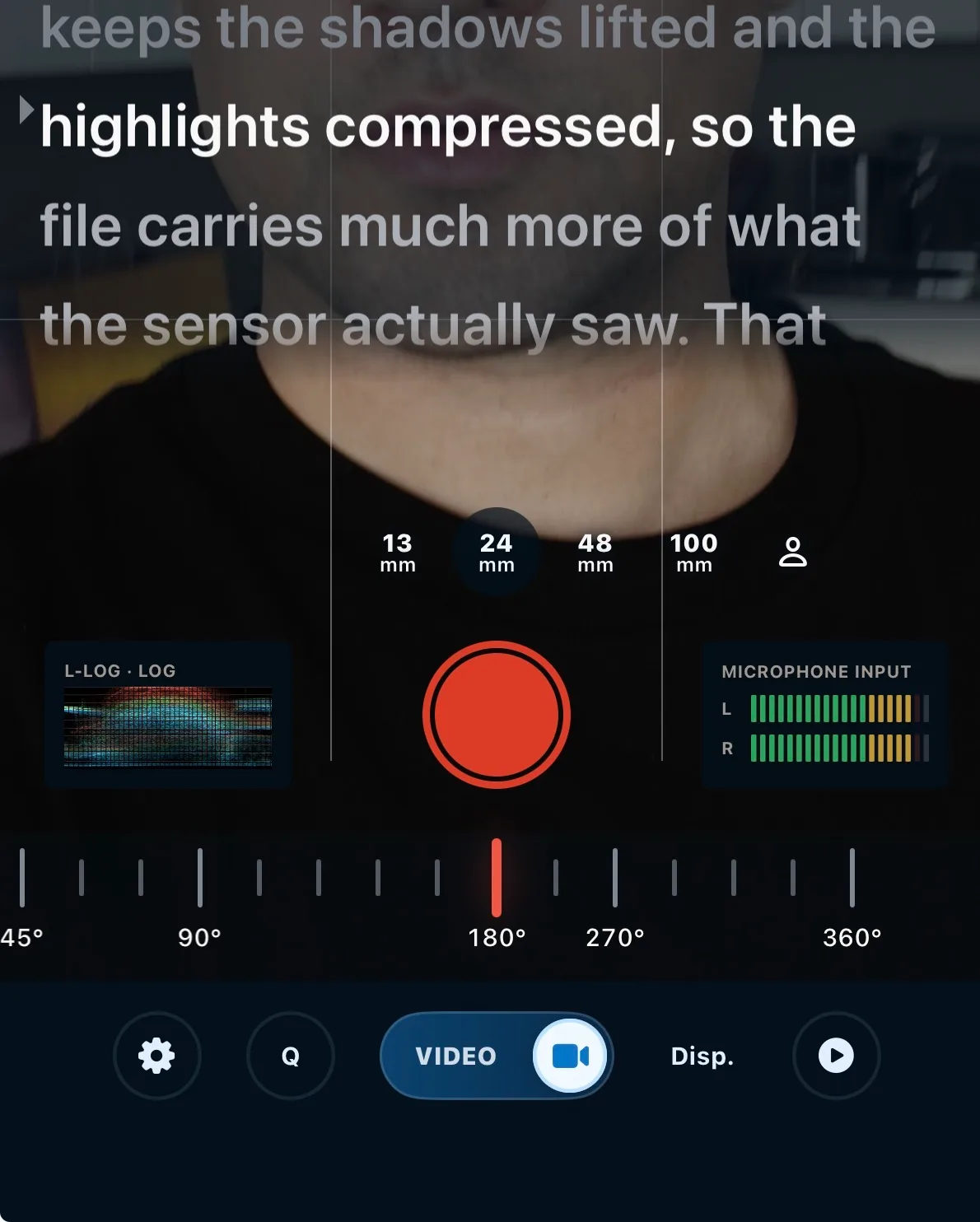
A speech-activated teleprompter runs on the capture screen, close to the lens. It listens as you speak and advances at your pace, so solo delivery stays natural instead of chasing a scrolling wall of text. A mirror mode flips the script for beam-splitter prompter glass.
// Intervalometer NEW IN IV
Timed capture, programmable.
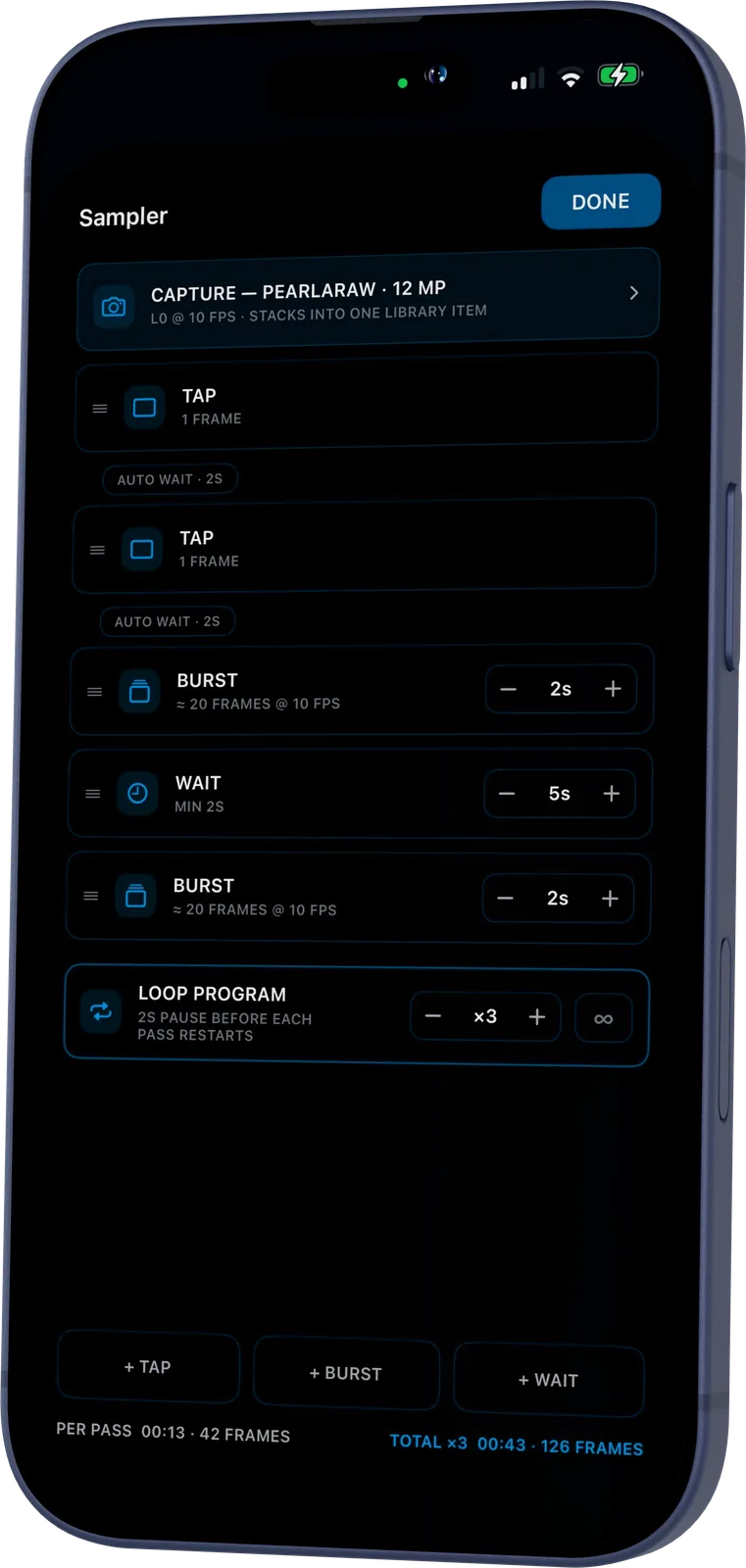
Verana IV’s intervalometer is a program, not a timer: compose taps, bursts, and waits, then loop the sequence as many times as the scene needs, or forever. Every frame can be PearlaRAW™, and the whole run stacks into one library item instead of a hundred strays. Same calibrated pipeline as a single shot, at every step.
// Remote Capture NEW IN IV
Off the screen. On the shot.
Verana IV can be controlled from a second iPhone or an Apple Watch when the iPhone is mounted, rigged, or out of reach. Frame, focus, expose, monitor, and record remotely. For physical operation, Verana also supports Tilta Nucleus-M, bringing focus and record control to the hand unit instead of the touchscreen.
// No more chasing the pieces. COMING SOON
Pearla Cloud, arriving shortly after launch, keeps profiles, settings, and captured media moving across your devices, so the look you built, the setup you trust, and the shots you made are not scattered when you need them next.
// In Production
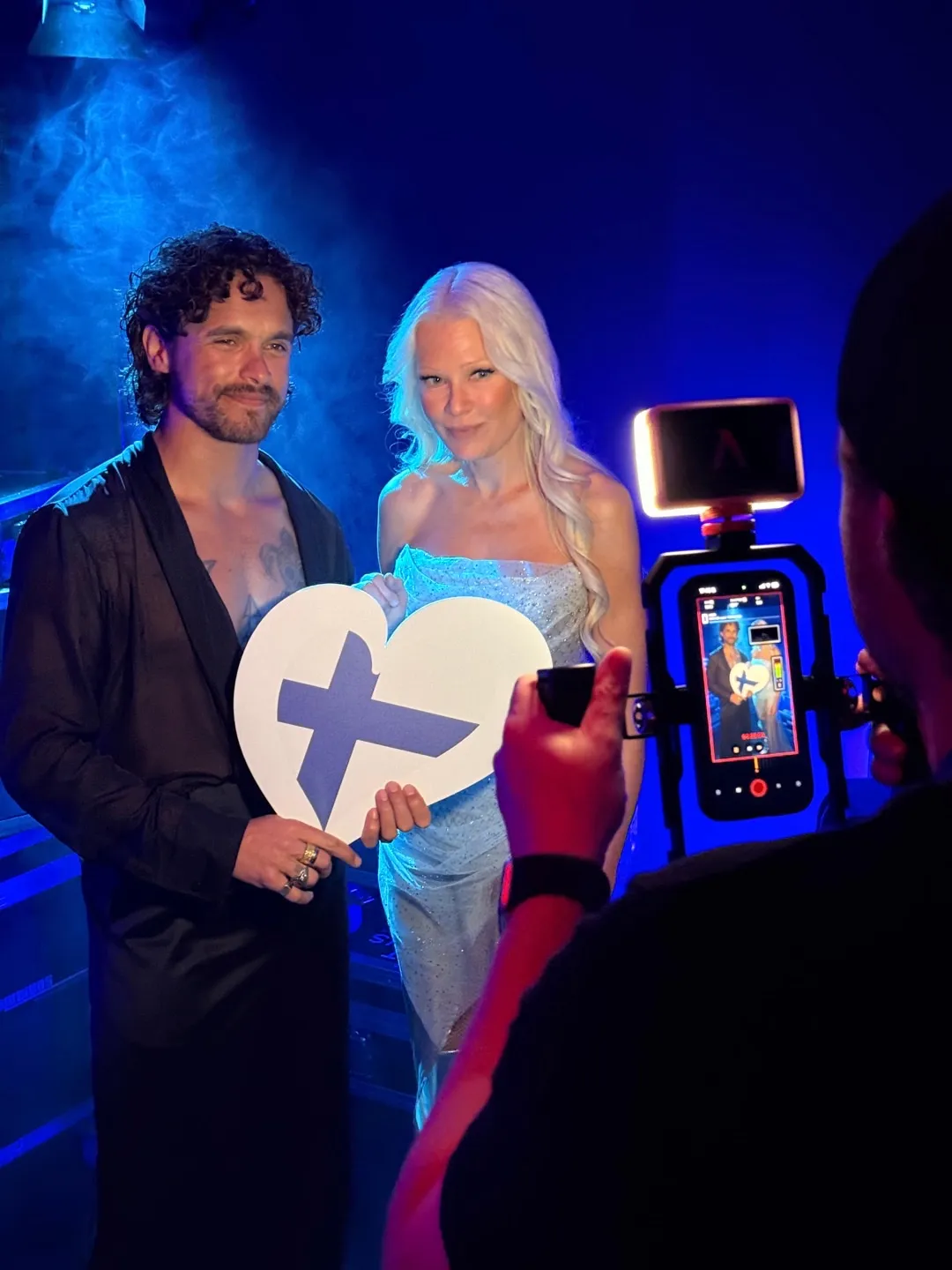
Behind the scenes at Eurovision 2026.
At Eurovision 2026, Verana was used to capture behind-the-scenes footage of the acts for fast social delivery. The team dialed in the look once, shared it between on-site videographers using iPhone 17 Pro devices, and moved clips from capture to social without waiting for a separate finishing pass.
// The working toolset
Less locked. More loaded.
Some shots need to be finished in camera. Some need to stay open for the grade. Some need to match a larger kit, move across devices, or be controlled from somewhere else. Verana IV gives each of those paths more room.
- Rebuilt capture engine NEW IN IV A new image processing engine for Verana IV, built for faster capture, cleaner previews, HDR photo and video, and a more adaptable shooting interface.
- 4K Open Gate Record the full sensor area in 4:3 for reframing, anamorphic work, and multi-format delivery.
- Anamorphic & Vertiscope Monitor or record de-squeezed output across horizontal and vertical anamorphic workflows, with support for multiple squeeze factors.
- Pro codecs Capture in HEVC, H.264, ProRes 422 LT, ProRes 422, ProRes HQ, or ProRes 4444 where supported, with bitrate controls for compressed formats.
- ProRes RAW Record Apple ProRes RAW in Open Gate 4K on supported iPhone Pro models with external USB-C storage.
- Manual exposure Control ISO, shutter speed or shutter angle, exposure compensation, white balance, tint, and manual focus, with AF and AE lock and face-priority autofocus.
- Photo output control Shoot compressed formats or RAW+Compressed, with up to 48MP capture on supported lenses when using Quality priority.
- Monitoring tools Use waveform, histogram, false color, focus peaking, audio meters, storage overlays, black-and-white monitoring, and mirrored viewfinder previews.
- External audio Select connected audio inputs, choose AAC or Linear PCM, set mono or stereo channel behavior, and configure sample rate and meter reference.
- External storage Record directly to Files, iCloud Drive, or connected USB-C storage, with fallback behavior if the destination becomes unavailable.
- Clean HDMI output Send a clean video feed to external monitors or capture devices, with active preview transformations such as anamorphic de-squeeze preserved.
- Composition tools Frame with aspect-ratio guides, rule-of-thirds grid, Golden Spiral, and crop planning for stills and video delivery formats.
- Stabilization modes Choose Off, Standard, or Cinematic stabilization depending on whether the camera is handheld, locked off, or rigged.
- Custom buttons Assign C1–C4 separately for photo and video workflows, including grids, exposure overlays, audio meters, storage, media, and settings.
- Media library & naming Review, export, delete, and organize captured media inside Verana, with camera prefixes, timestamps, and auto-incrementing counters.
- Lens Blur Simulate shallow depth of field for photo capture, with adjustable aperture behavior and subject-preserving background blur.
- Borders Render borders directly into processed photo output, with adjustable color and thickness.
// GET VERANA
Now in beta.
Verana IV launches in August at $34.99 a year, and Pearla III updates in place to Verana IV. Request access to the Verana IV beta right now, inside the Pearla III app.
Beta invites go out in phases, and each phase is capped.
While auto-renew stays on, you will keep your Pearla III
subscription price after updating to Verana IV.
We never raise prices on active subscriptions.
// ALSO FROM PEARLA