One Source. Every Deliverable.
REVELA
A post-production workspace for Mac, iPad, and iPhone. Pearla Revela brings cataloging, RAW processing, non-destructive node-graph editing, search, compositing, and multi-output delivery into one place.
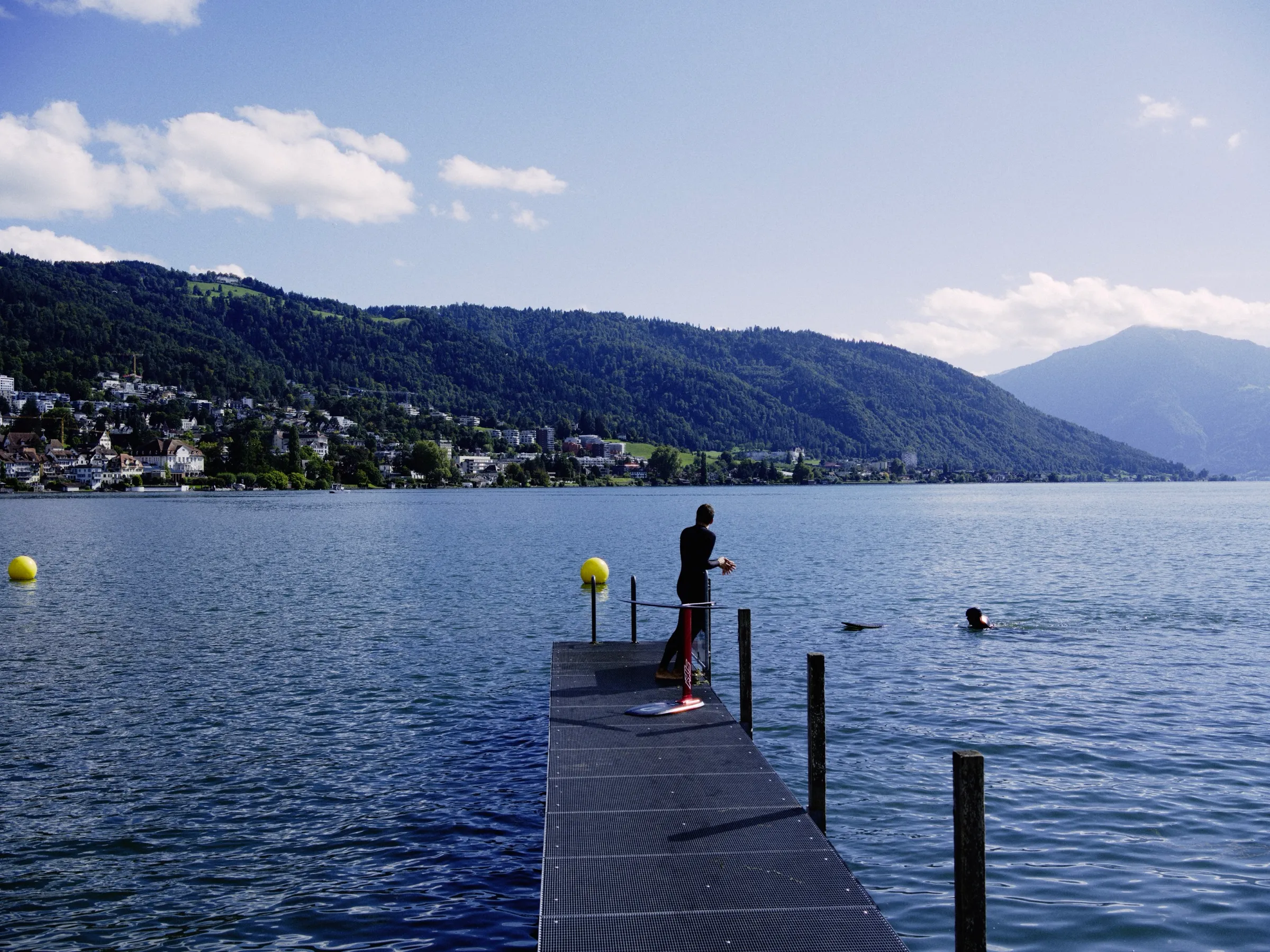
Pearla’s post-production workspace
A catalog and editor for photos, videos, and every version they need to become.
Revela is a catalog and non-destructive node-graph editor for stills and motion. It brings organization, RAW processing, color work, compositing, search, and multi-output export into one workspace, so each source can become every finished version it needs.
// THE REVELA MODEL
The source stays whole. The work keeps moving.
Revela treats the source, the edit, and the finished versions as one connected structure. Organize the work, shape it non-destructively, branch it into the outputs each job needs, and keep every version tied to the decisions behind it.
- 01 Catalog Organize photos, videos, collections, references, metadata, edits, outputs, and search data in one working library.
- 02 Non-destructive graph Build the edit as visible nodes, so RAW processing, color work, masks, healing, compositing, and outputs stay adjustable.
- 03 Stills and motion Work with photos and videos through the same graph model, instead of splitting a job across separate editing systems.
- 04 Output nodes Give each finished version its own crop, trim, format, color space, dimensions, and delivery settings.
- 05 Branching versions Let one source become a gallery file, print export, social crop, video trim, alternate grade, or client delivery without becoming disconnected copies.
- 06 Graph presets Save a complete editing and delivery structure, then apply it to another asset or a full collection.
- 07 Collection export Export primary outputs or every output across a collection in one operation.
- 08 On-device search Search visual content, text, speech, metadata, and structured filters without sending the catalog to Pearla servers.
// 01 The Graph
The finish has a place in the graph.
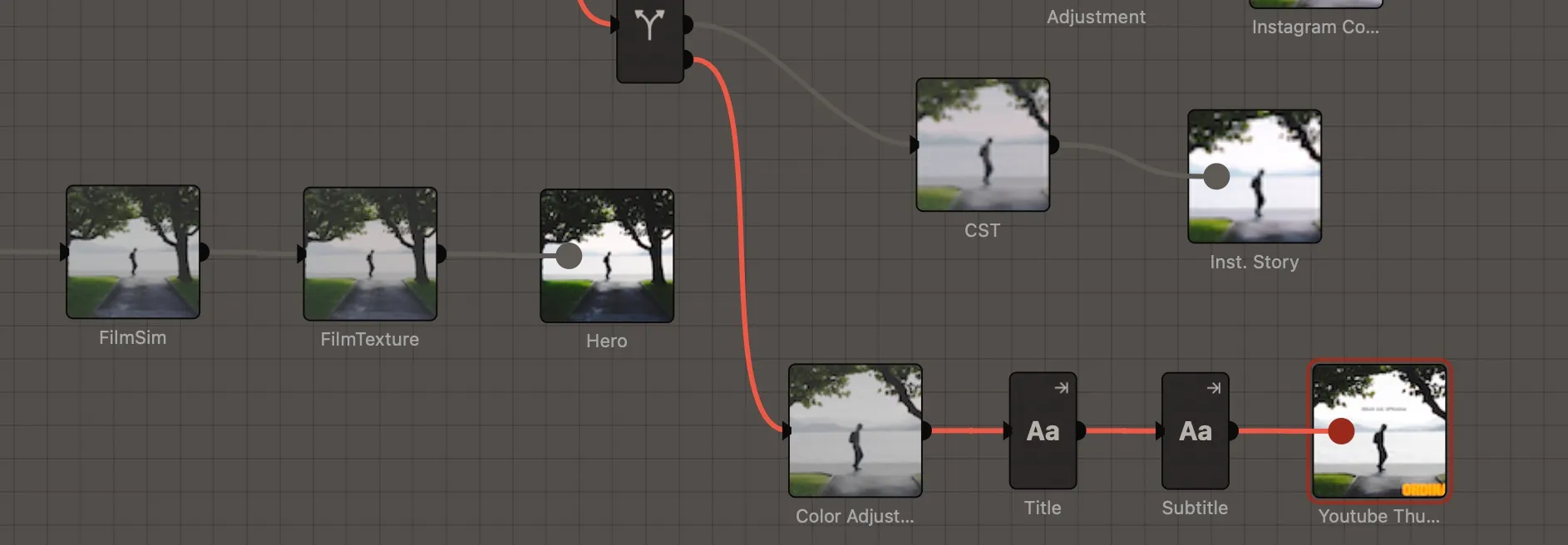
Every adjustment in Revela lives where you can see it. RAW settings, color grades, masks, retouching, text, compositing, and outputs all become nodes on the canvas. A print, social post, video trim, or grade branches from the same source, each with its own crop, format, and color space, so the finish is part of the edit, not a separate export after it.
// 02 Catalog
Everything finds its place.
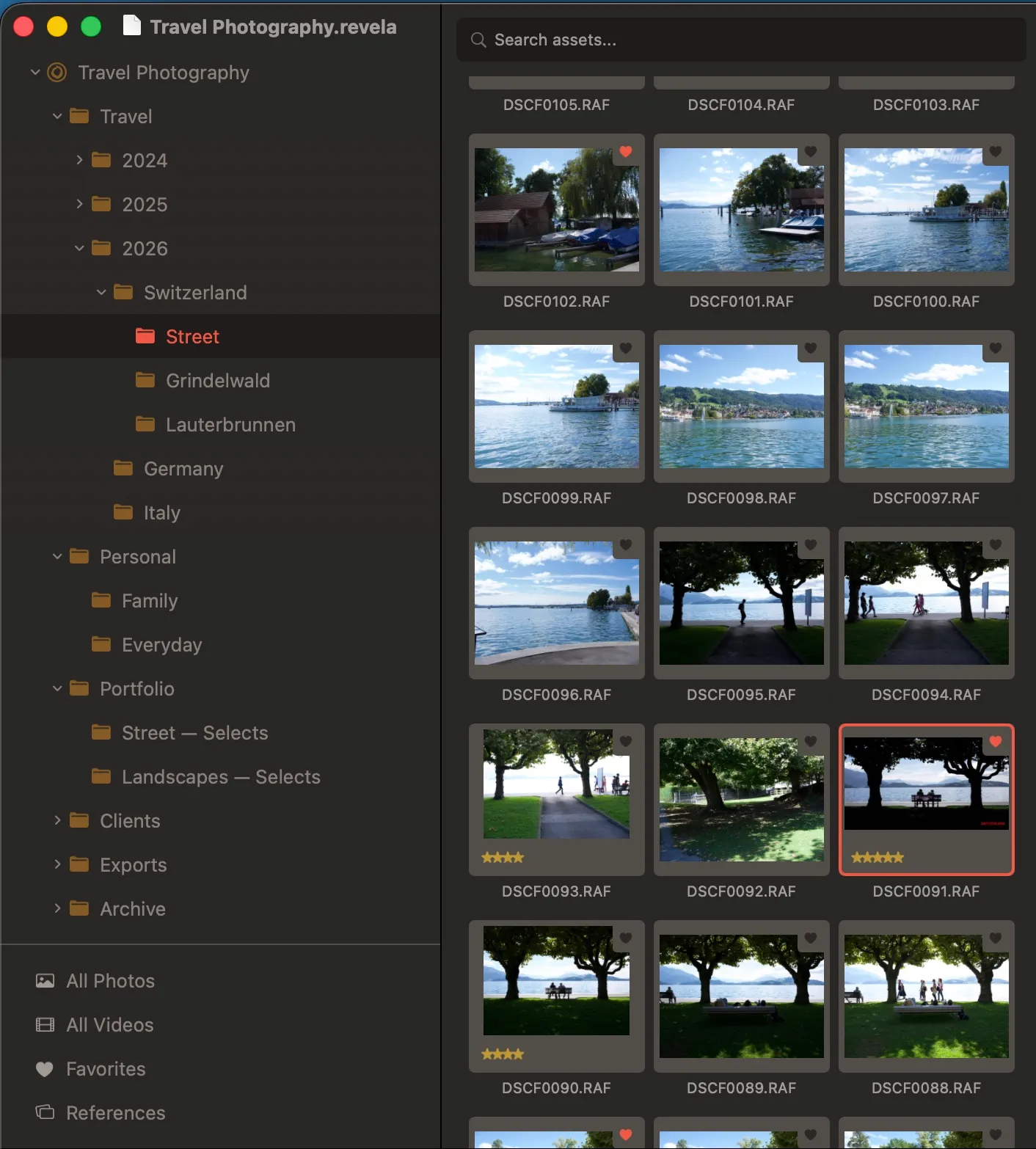
A Revela catalog holds everything: assets, grades, outputs, metadata, notes, reference material, selects, tags, favorites, and ratings, all in one place and AI searchable. Collections, smart collections, folder trees, and references keep the archive organized without separating the work from the decisions attached to it. Catalogs scale to your needs, so running several is as easy as running one.
// 03 Branching Versions
More versions, without more copies.
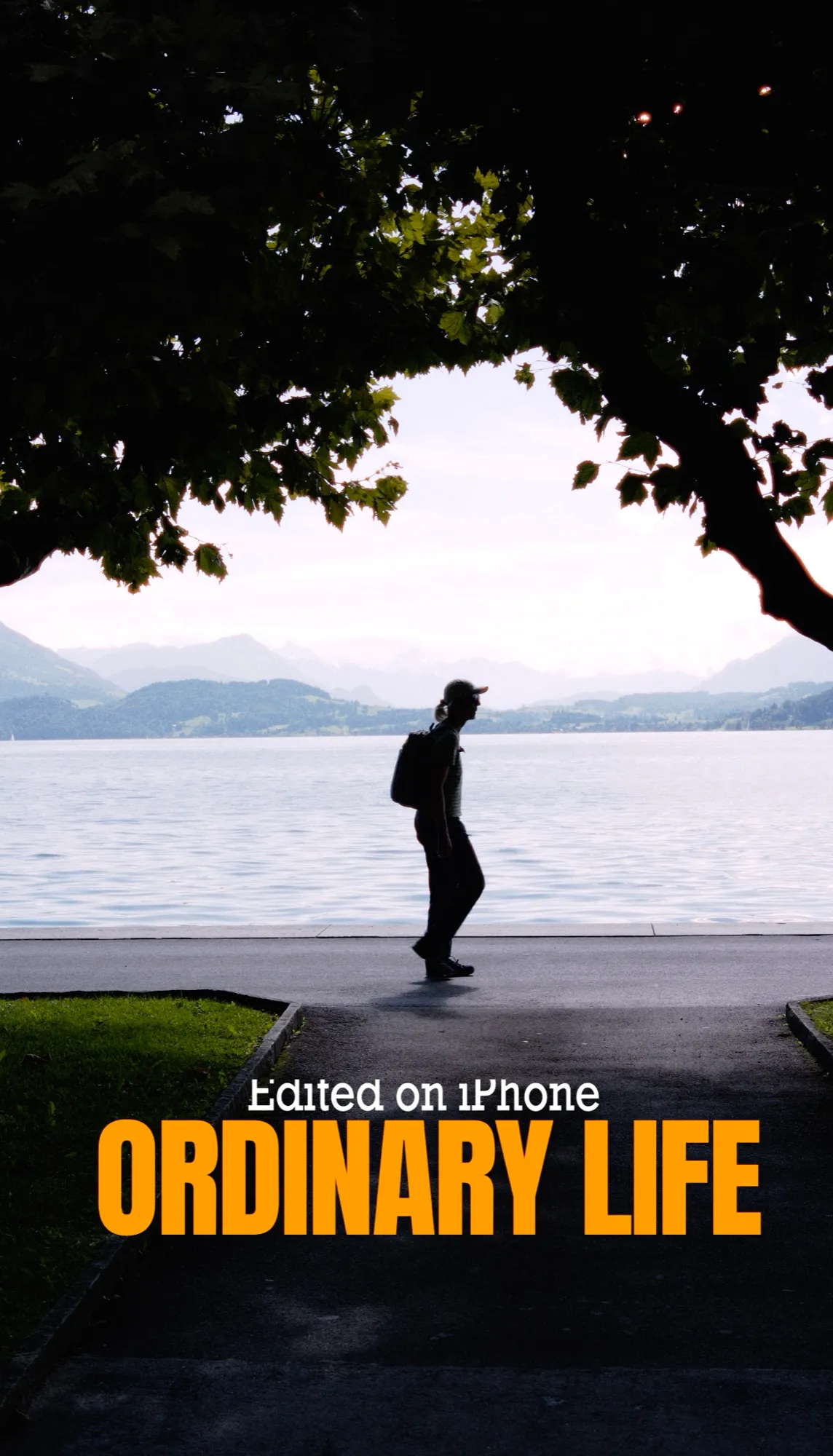
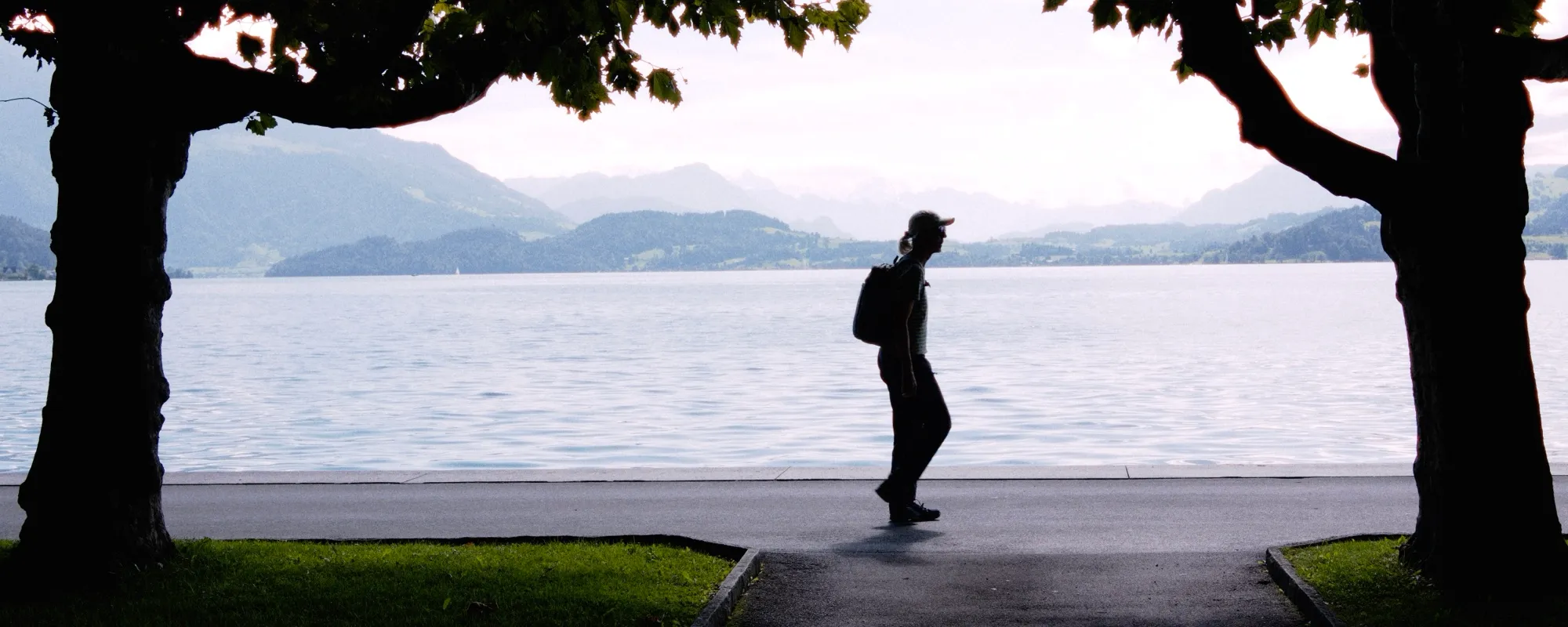
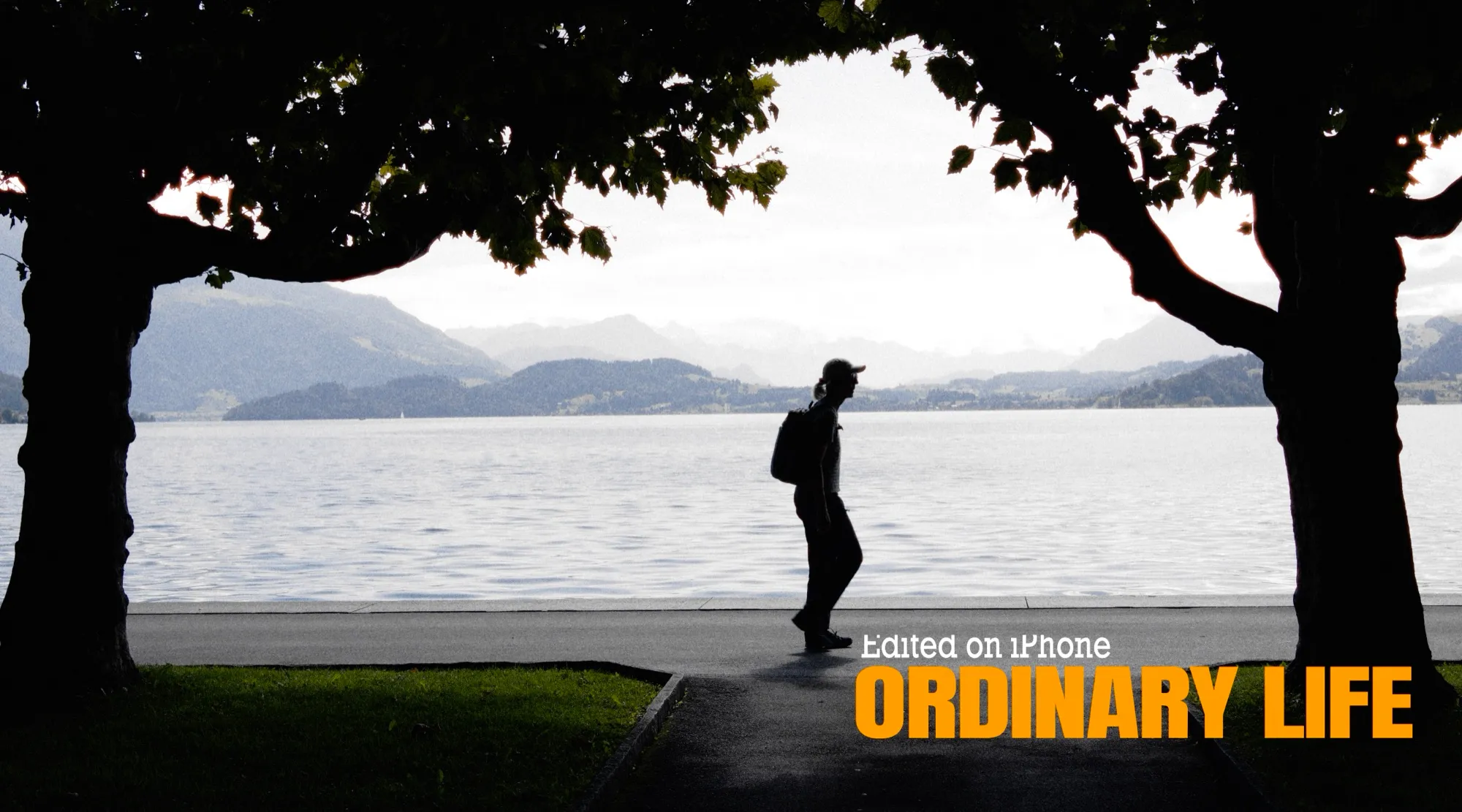
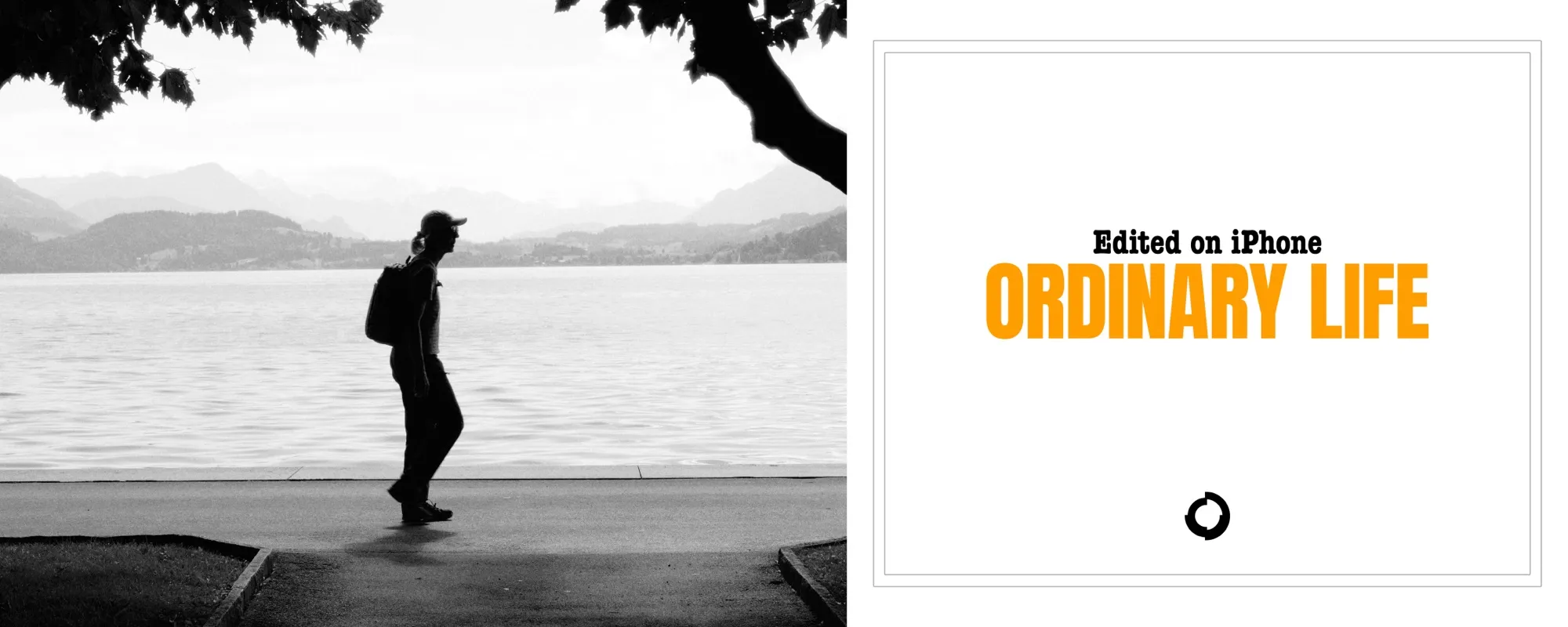
Revela lets the work branch without breaking away from the source. Build one structure, then let each branch carry the version it needs. The original remains intact. The edit remains readable. The finished outputs stay tied to the decisions behind them.
// 04 Presets + Export
Save the workflow, not just the look.
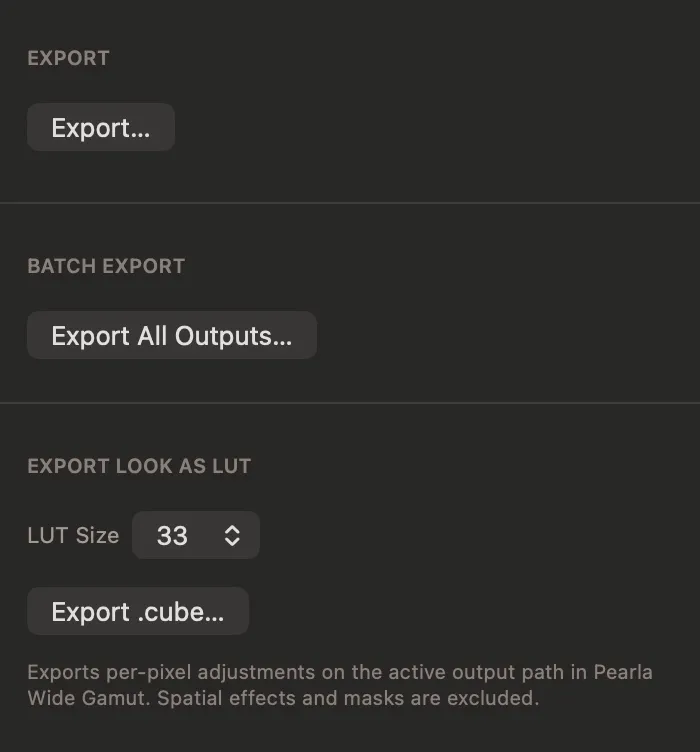
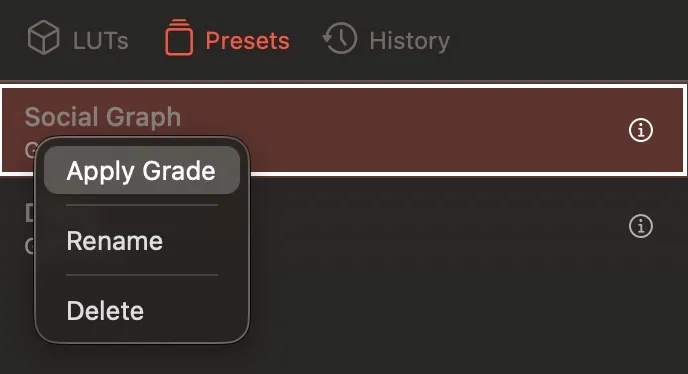
A graph preset holds the full structure of an edit: adjustments, masks, outputs, formats, trims, and color spaces. Apply it to one asset or a whole collection, then export the primary output or every output in one operation. Hundreds of finished files, without rebuilding the delivery pass asset by asset.
// 05 Search
Search by what is in the work.
Revela indexes visual content, visible text, speech, metadata, and structured filters locally. Search for the frame by describing it: the clip with a spoken line, the image with text in the background, the portraits from a date range, the wide shots from a specific camera. The index stays on the device.
// 06 RAW + PWG™
Raw enters a wider room.
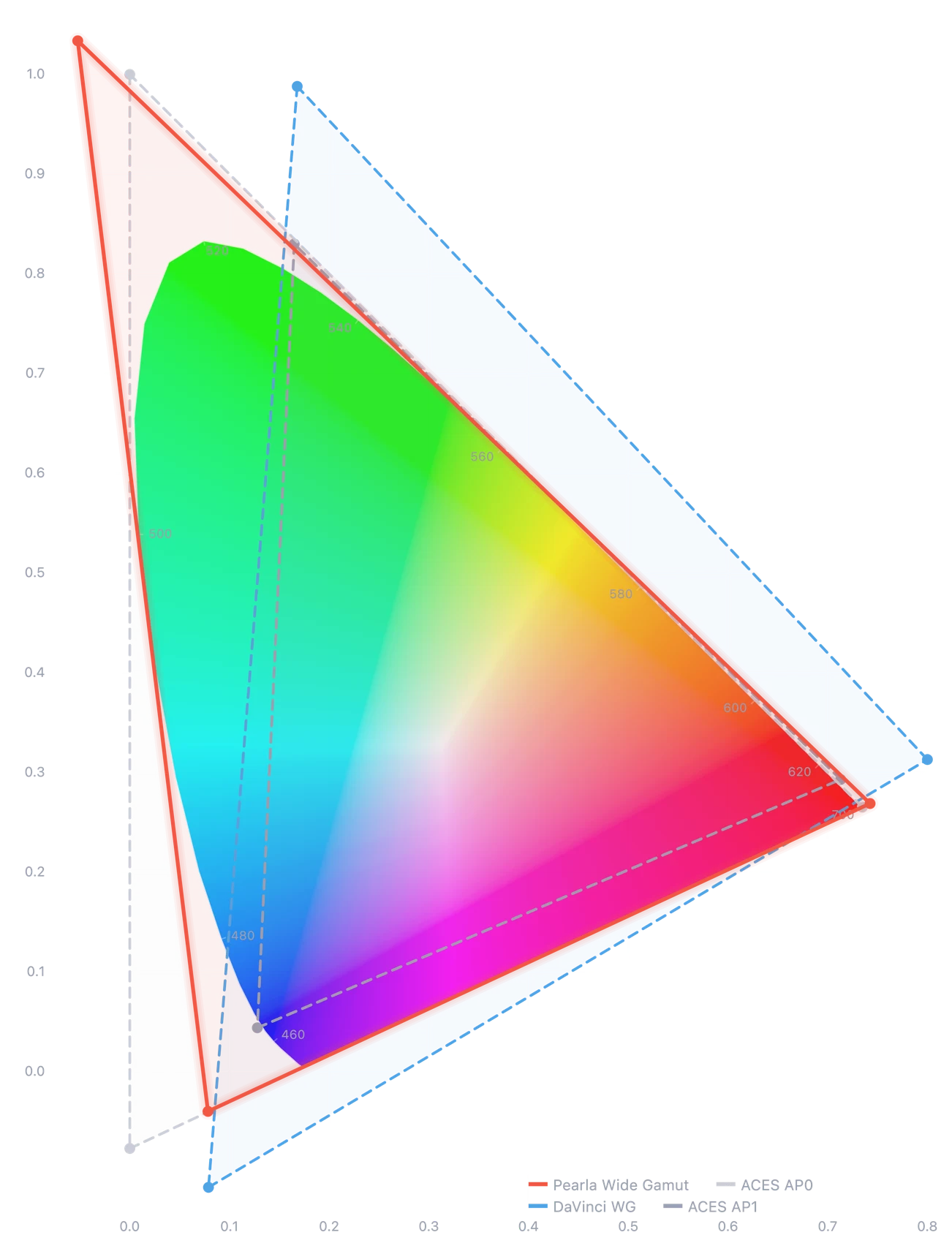
Revela processes RAW files from sensor data into Pearla Wide Gamut™ or other color spaces, for both SDR and HDR workflows. Color work starts from a broader foundation than the display preview alone, with the original file left untouched and every decision held non-destructively in the graph.
// 07 Retouch + Composite
The retouch stays part of the edit.
Healing, frequency separation, curves, color wheels, and masks are nodes in the graph, not a trip to another app. Nothing leaves the catalog and comes back, and no rendered copies eat disk space. The retouch stays reversible, at the full quality of the source.
- Healing tools
- Frequency separation
- Color curves
- Color wheels
- Masks
// 08 Sync + Backup
A Revela catalog can sync through Pearla Cloud for shared work, or through iCloud for solo creators who prefer Apple’s infrastructure. It can also run fully offline with manual backup to external storage. Sync is a path, not a dependency.
// 09 Capabilities
The working toolset.
- Catalog management Organize work with collections, smart collections, folder trees, and references.
- RAW processing Process RAW files from sensor data into Pearla Wide Gamut™.
- Non-destructive editing Store every adjustment as a recipe while the original file remains untouched.
- Node graph editing Wire adjustments, masks, healing, text, splitters, compositing, and outputs on a visible canvas.
- Adjustment nodes Shape curves, color, exposure, tone, and film emulation inside the graph.
- Masks and opacity Apply masks, opacity, and transforms per node.
- Healing Remove dust, sensor spots, and distractions as a visible, reorderable node.
- Text nodes Render text over the frame as part of the graph.
- Splitters Branch one source into multiple editing paths and outputs.
- Output nodes Define deliverables with their own crop, trim, format, color space, dimensions, and delivery settings.
- Motion support Work with video assets through the same graph model, with playback, scrubber, trim points, and per-output trims.
- Per-output trims Set trim ranges at the input node or per output node.
- Graph presets Save complete graph structures for reuse on single assets or whole collections.
- Collection export Export a collection’s primary outputs or every output in one operation.
- On-device search Search across visual content, OCR, speech transcripts, metadata, and structured filters.
- Sync and backup Use Pearla Cloud, iCloud, offline catalogs, or manual external backups.
// 10 Compatibility
Your camera is almost certainly supported.
Revela supports more than 800 cameras across 19 manufacturers and 30 RAW formats.
- Canon170
- DxO1
- Epson3
- Fujifilm62
- Hasselblad14
- Kodak1
- Konica Minolta8
- Leaf19
- Leica52
- Minolta2
- Nikon96
- Olympus55
- OM System4
- Panasonic155
- Pentax37
- Phase One1
- Samsung8
- Sigma2
- Sony112
- Apple ProRAW101
- PearlaRAW1
- .3fr
- .arw
- .axr
- .cr2
- .cr3
- .crw
- .dcr
- .dng
- .dxo
- .erf
- .fff
- .iiq
- .mos
- .mrw
- .nef
- .nefx
- .nrw
- .orf
- .ori
- .pef
- .praw
- .raf
- .raw
- .rw2
- .rwl
- .sr2
- .srf
- .srw
- .tif
// PRE-ORDER
Lifetime access, before launch.
Pre-order Pearla Revela as a lifetime purchase before public launch. Pre-order customers receive early access. Revela will launch publicly later this spring with subscription access.
$349 $189 · PRE-ORDER LIFETIME PURCHASE
// ALSO FROM PEARLA